
Introduction – Fix WordPress Stuck in Maintenance Mode
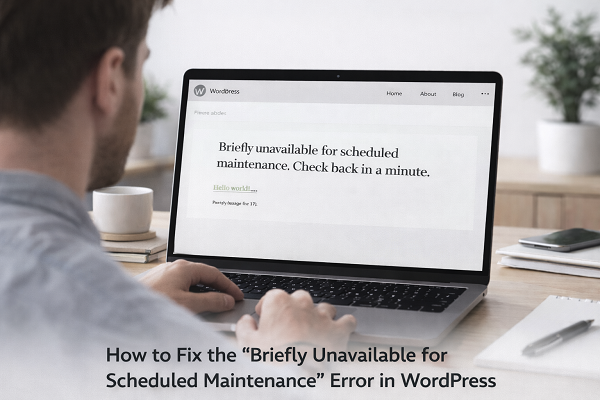
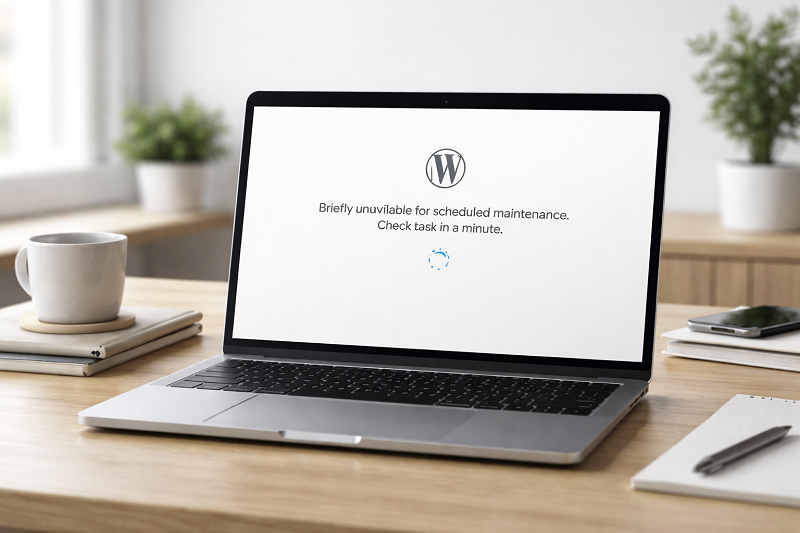
When WordPress gets stuck in maintenance mode, your website shows a message like:
“Briefly unavailable for scheduled maintenance. Check back in a minute.”
Sometimes this message never disappears, and your website stays down.
This usually happens during:
Plugin updates
Theme updates
Interrupted update process
The good news is that this issue is easy to fix and does not damage your website.
In this guide, you will learn simple and safe methods to fix WordPress maintenance mode quickly.
What Is WordPress Maintenance Mode?
Maintenance mode is a temporary state that WordPress activates during updates.
It helps prevent users from seeing broken pages while updates are running.
Normally, it turns off automatically after updates finish.
Why WordPress Gets Stuck in Maintenance Mode
Interrupted Update
Internet or server issue stops the update process.
Plugin Conflict
Some plugins block update completion.
Low Server Resources
Limited memory or execution time causes failure.
How to Fix Critical Error on WordPress
Failed Automatic Updates
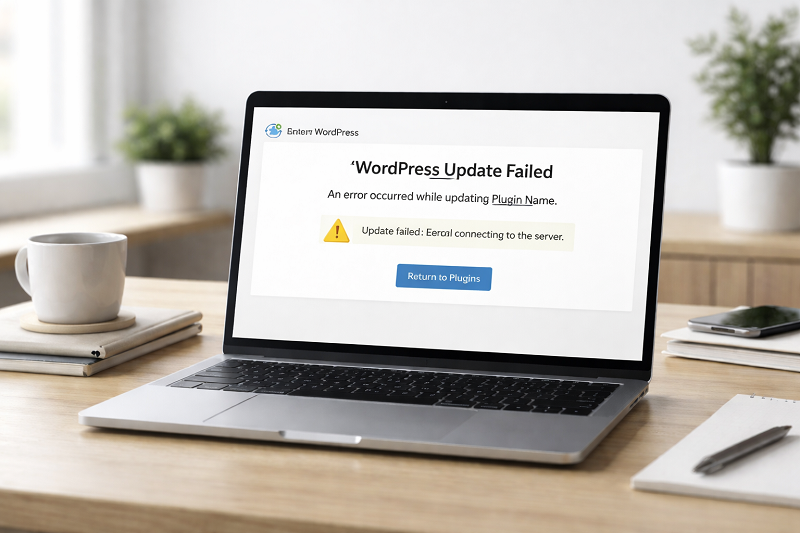
If WordPress automatic updates fail due to timeout or server interruption, the maintenance mode file may not be removed.
How to Fix WordPress Stuck in Maintenance Mode (Step by Step)
Quick Fix (Try This First)
If your WordPress site is stuck in maintenance mode, try these quick steps:
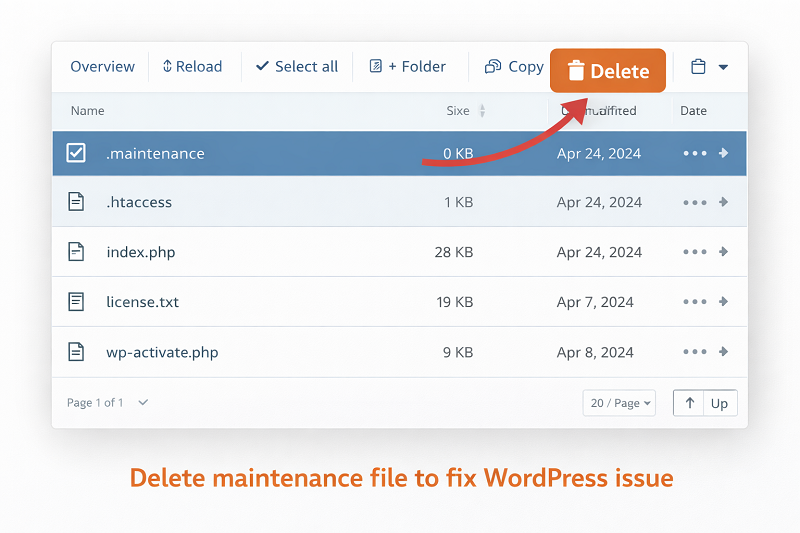
Delete the .maintenance file
Clear website and browser cache
Refresh the website
Check if plugins updated correctly
Delete .maintenance File (Most Common Fix)
Login to hosting File Manager
Open public_html
Find file named .maintenance
Delete the file
Refresh your website — issue fixed.
Clear Website Cache
After deleting the file:
Clear WordPress cache
Clear hosting cache
Clear browser cache
How to Fix Website Slow Loading
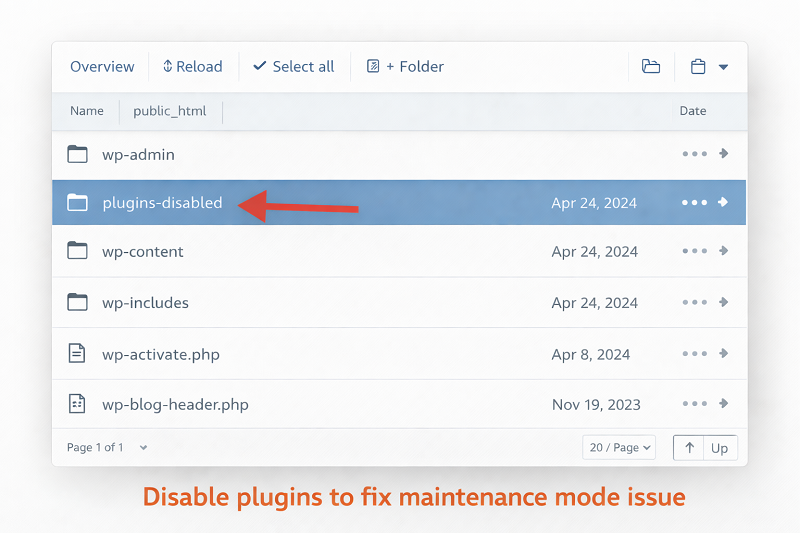
Disable Plugins Temporarily
If issue remains:
Rename plugins folder
Check website
Rename folder back
This identifies plugin-related problems.
How to Fix WordPress Media Upload Error
Increase PHP Memory Limit
Add this code to wp-config.php:
Copy code
Php
define(‘WP_MEMORY_LIMIT’, ‘256M’); Low memory can cause update failures
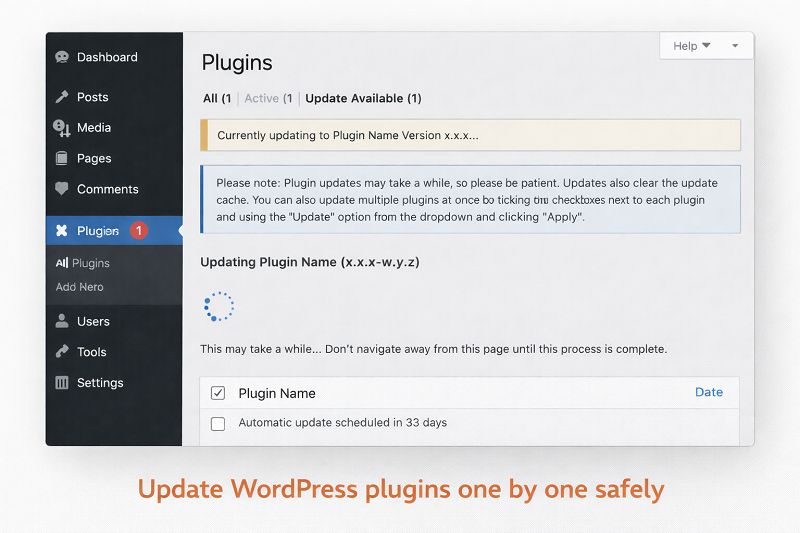
Update Plugins One by One
Avoid bulk updates:
Update plugins individually
Check site after each update
WordPress Update Best Practices
https://wordpress.org/support/article/updating-wordpress
Hosting-Level Fixes
Sometimes hosting limits cause issues.
Increase Execution Time
Ask hosting to increase max execution time.
Check Error Logs
Hosting support can identify failed updates.
WPBeginner Maintenance Mode Guide
https://www.wpbeginner.com/wp-tutorials/how-to-fix-wordpress-stuck-in-maintenance-mode
How Maintenance Mode Affects SEO
Website downtime affects user trust
Google may temporarily skip crawling
Long downtime can impact rankings
Fixing it quickly keeps SEO safe.
How to Prevent Maintenance Mode Issues
Avoid bulk updates
Backup before updates
Use stable hosting
Keep enough server resources
Always ensure your internet connection remains stable during WordPress updates, because interrupted updates are the most common cause of maintenance mode issues.
Need Any Tool or Service?
If you need any AI tool, SEO tool, WordPress plugin, or theme at a low price, just message us on WhatsApp.
Tell us what you need, and we’ll confirm availability and the best affordable price.
Contact us on WhatsApp Need help or want a tool at a low price?
Our Services
WordPress Services: https://problemfixer.net/wordpress-services/
AI Tools Services: https://problemfixer.net/ai-tools-services/
SEO Tools Services: https://problemfixer.net/seo-tools-services/
Conclusion
Being stuck in maintenance mode is common in WordPress, but it is not dangerous.
By deleting the .maintenance file and fixing plugin or server issues, you can restore your website quickly.
Always update carefully to avoid this issue in the future.
FAQs
Why does WordPress get stuck in maintenance mode?
Because an update process fails or gets interrupted.
Is maintenance mode bad for SEO?
Only if your site stays down for a long time.
Can plugins cause this issue?
Yes, faulty plugins are a common reason.
Is deleting. maintenance file safe?
Yes, it is completely safe.