


Introduction – why a website becomes slow and how to fix a website’s slow loading problem step by step
A slow website is a very common problem today. When a website takes too much time to open, visitors do not wait. They close the page and go to another website. This increases bounce rate and reduces traffic. A slow website also affects Google ranking. Google prefers fast websites because they give a better user experience.
Many website owners do not know why their website is slow. Some think it is a normal issue, but it is not. A slow website means lost visitors, lost trust, and lost money. Even if your content is good, users will not stay if the site loads slowly.
Why Website Become Slow
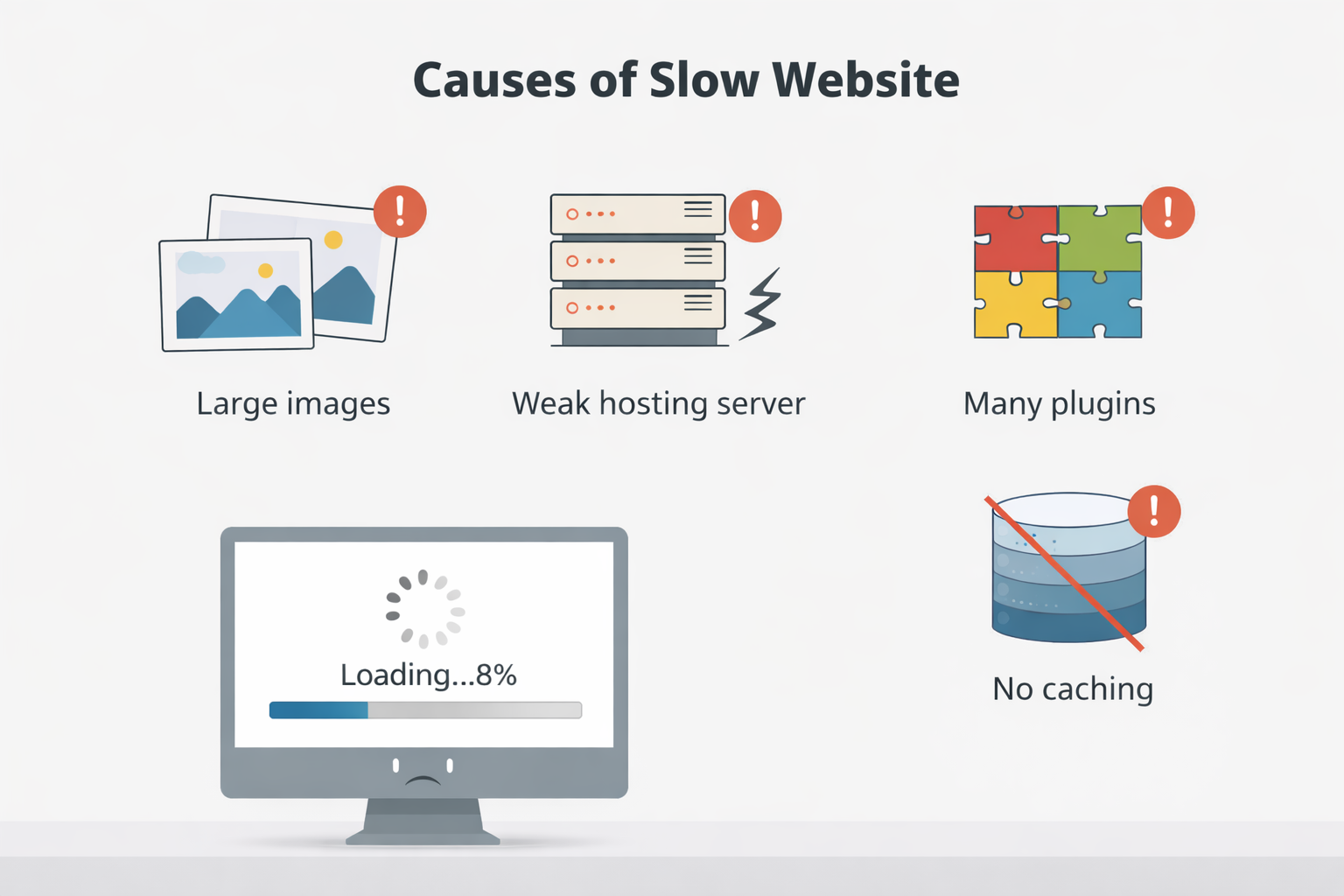
There are many reasons why a website becomes slow. One of the biggest reasons is large image files. When images are not optimized, they take more time to load. This slows down the entire website.
Another common reason is slow or low-quality hosting. If your hosting server is weak, your website will always load slowly, no matter how good your design is. Cheap hosting may save money at first, but it causes performance problems later.
Too many plugins are also a big problem. Every plugin adds extra code to your website. If you install many unnecessary plugins, your website becomes heavy and slow.
No caching system is another reason. Without caching, the browser loads your website again and again from the server. This increases loading time.
Poor website structure, outdated themes, and not using a content delivery network (CDN) can also make your website slow. Google notices all these issues and may reduce your ranking.
How to Fix Website Slow Loading Problem
Below are easy and practical steps to fix website speed issues. Follow them one by one.
Step 1: Optimize and Compress Images
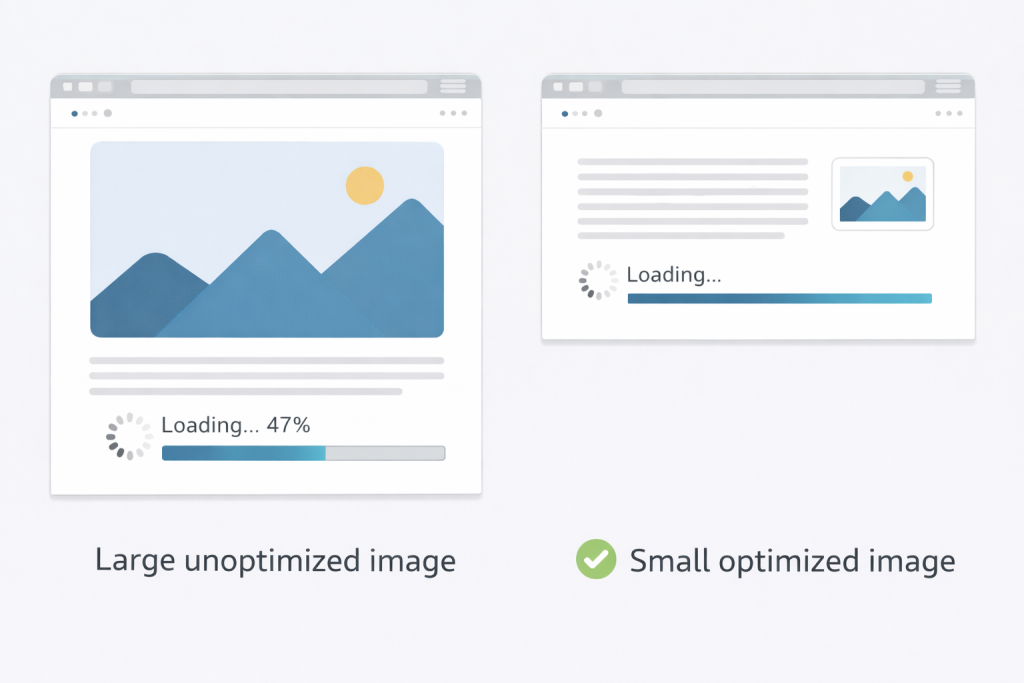
Images should never be uploaded in large sizes. Large images slow down website loading speed. Before uploading images, always compress them.
You can use image compression plugins or online tools. Use formats like JPEG or WebP. WebP images are smaller and load faster.
Always resize images to the required size. Do not upload very large images and then resize them using CSS.
Step 2: Use Fast and Reliable Hosting
Hosting plays a very important role in website speed. If your hosting server is slow, your website will always load slowly.
Choose a hosting provider that offers:
- SSD storage
- Good server response time
- Latest PHP version
Shared hosting may be cheap, but it can be slow. If possible, upgrade to better hosting for improved performance.
Step 3: Install a Cache Plugin
Caching helps your website load faster by saving static files in the browser. When a visitor opens your website again, it loads faster.
If caching is enabled but your website still feels slow, clearing browser cache can also help improve loading speed.
Popular cache plugins include:
- WP Rocket
- W3 Total Cache
- WP Super Cache
A cache plugin reduces server load and improves page speed.
Step 4: Remove Unnecessary Plugins
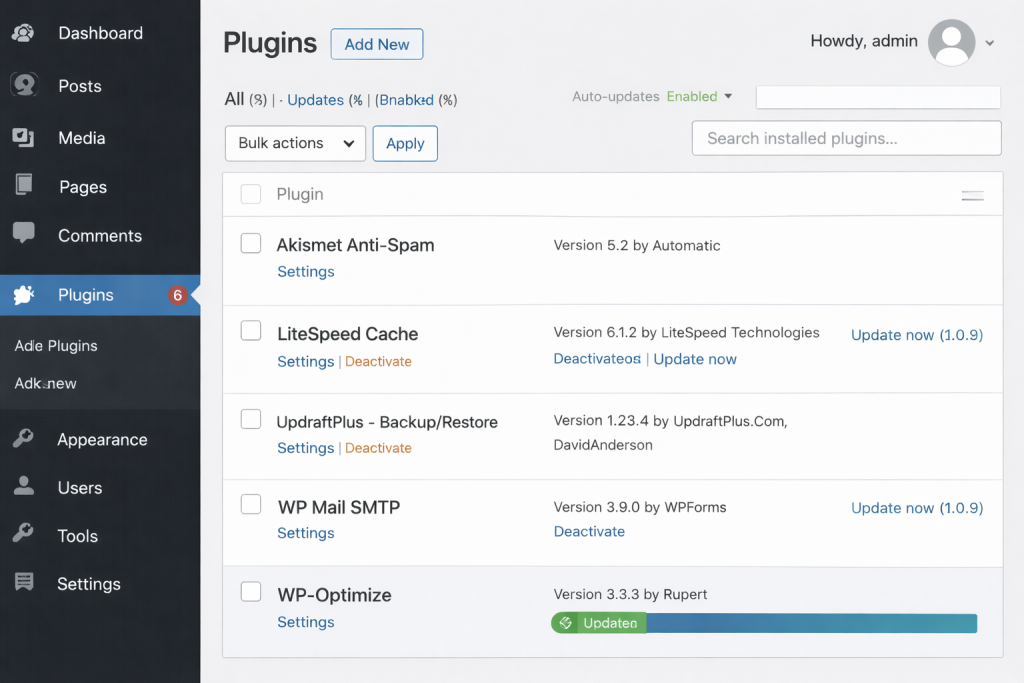
Too many plugins slow down your website. Go to your WordPress plugins list and remove plugins that you do not use.
Keep only important plugins. Always update plugins to the latest version to avoid performance issues.
Step 5: Enable Browser Caching
Browser caching allows files to be stored in the visitor’s browser. This means the website loads faster on repeat visits.
Most cache plugins automatically enable browser caching. This simple step can greatly improve website speed.
Sometimes broken pages also affect website performance, so fixing common errors is important.
Step 6: Use a Content Delivery Network (CDN)
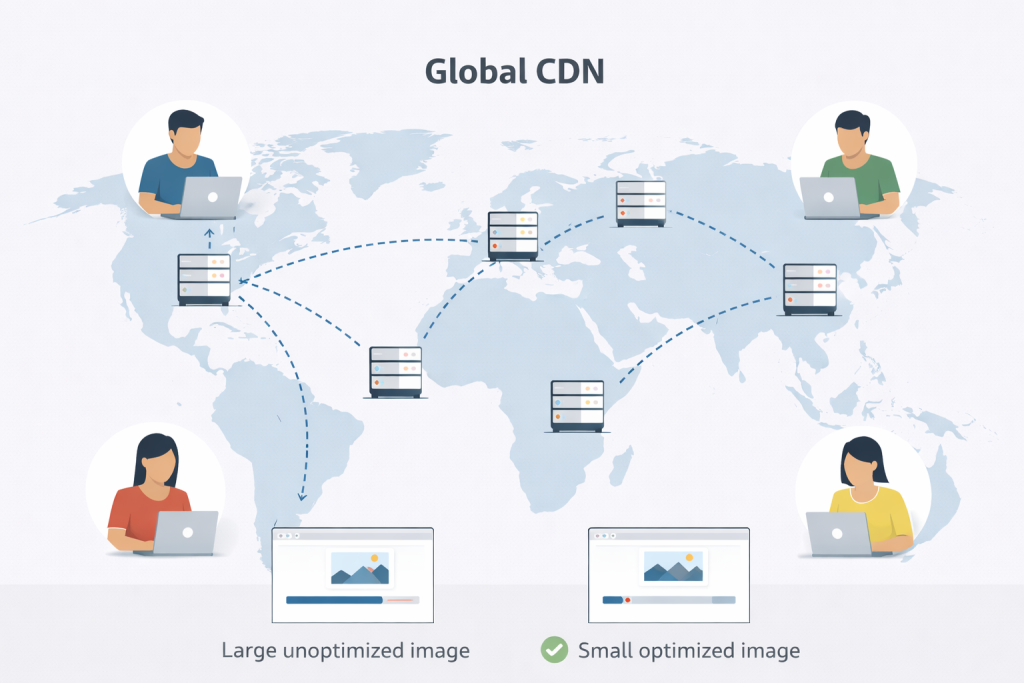
A CDN stores your website files on multiple servers around the world. When a visitor opens your website, files load from the nearest server.
This improves speed for international visitors. Popular CDN services include Cloudflare.
Learn more about CDN here:
https://www.cloudflare.com/learning/cdn/what-is-a-cdn/
Step 7: Test Website Speed
After applying all fixes, test your website speed. This helps you understand what still needs improvement.
You can use free tools like:
- Google PageSpeed Insights
- Google recommends fast websites for better user experience and ranking.
https://pagespeed.web.dev/ - GTmetrix
These tools show speed score and suggestions.
If you need help, visit our Contact page.
https://problemfixer.net/contact-us/
Prefer an official option?
Some users prefer to buy directly from the official website.
You can check the official source here:
[Official Link / Affiliate Link – optional]
You’re free to choose the official option above, or contact us if you want the same tool set up for you at a lower cost.
Need Any Tool or Service?
If you need any AI tool, SEO tool, WordPress plugin, or theme at a low price, just message us on WhatsApp.
Tell us what you need, and we’ll confirm availability and the best affordable price.
Contact us on WhatsApp Need help or want a tool at a low price?
Our Services
WordPress Services: https://problemfixer.net/wordpress-services/
AI Tools Services: https://problemfixer.net/ai-tools-services/
SEO Tools Services: https://problemfixer.net/seo-tools-services/
Conclusion
Fixing the website slow loading problem is not difficult if you follow the right steps. Optimizing images, using fast hosting, installing cache plugins, and removing unnecessary plugins can greatly improve website speed.
A fast website gives a better user experience, improves Google ranking, and increases trust. Apply these steps carefully, and your website performance will improve. Fast websites always perform better than slow ones.

