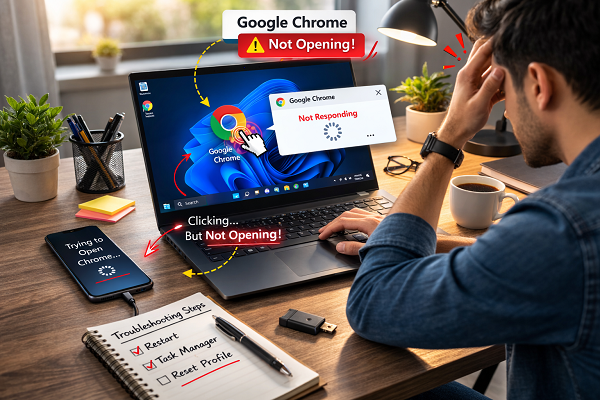
Browser and PC Issues Troubleshooting Guides
Sometimes browsers or computers stop working correctly and daily tasks become difficult. A browser may not open, crash, freeze, or run without showing a window. In other cases, computer conflicts or corrupted files prevent software from running properly. This category explains how to fix browser and PC problems in simple and safe steps.
Common Browser and Computer Problems
Users often face issues like browsers not opening, crashing, freezing, or running slowly. These problems usually happen because of corrupted profiles, bad extensions, system conflicts, or outdated software.
For example:
Browser Keeps Crashing
https://problemfixer.net/blog/fix-browser-keeps-crashing/
Google Chrome Not Opening
https://problemfixer.net/blog/fix-google-chrome-not-opening/
Clear Browser Cache Guide
https://problemfixer.net/blog/how-to-clear-browser-cache/
How These Guides Fix Browser and PC Errors
Each guide explains safe steps like resetting browser profiles, clearing cache, checking extensions, fixing system settings, and repairing software conflicts. These actions help restore browser stability and computer performance without reinstalling the system.
For official browser and system troubleshooting help, you can also check Microsoft support:
https://support.microsoft.com/
Need Help With Browser or PC Problems?
If browser or computer issues continue or feel difficult to fix, you can request help from our Services page:
WordPress Services: https://problemfixer.net/wordpress-services/
AI Tools Services: https://problemfixer.net/ai-tools-services/
SEO Tools Services: https://problemfixer.net/seo-tools-services/
Need Any Tool or Service – at a Low Price
If you need any AI tool, SEO tool, WordPress plugin, or theme at a low price, just message us on WhatsApp.
Tell us what you need, and we’ll confirm availability and the best affordable price.