Introduction – Fix WordPress Media Upload Error
The WordPress media upload error happens when you try to upload images or files, but WordPress does not allow it.
This problem is common and can stop you from adding images to posts or pages.
You may see issues like:
Images not uploading
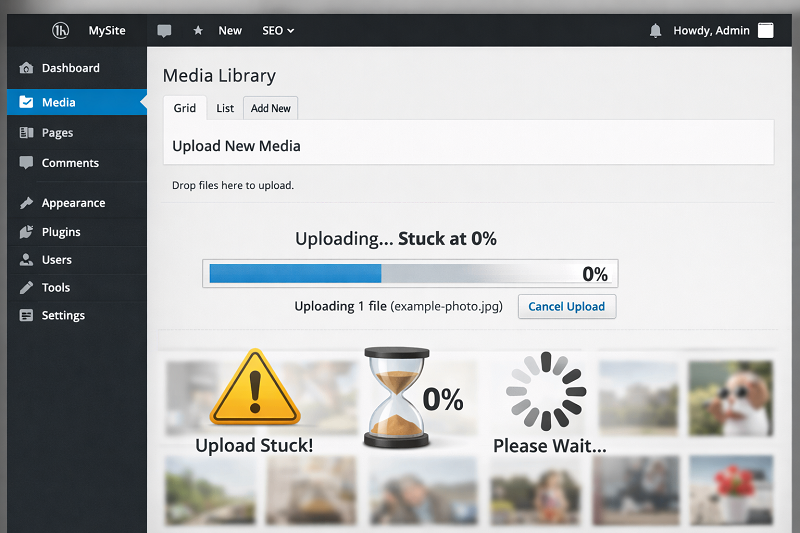
Upload stuck at 0%
File size error
HTTP error
The good news is that this error is easy to fix with simple steps.
In this guide, you will learn safe and beginner-friendly methods to fix the WordPress media upload issue.
What Causes WordPress Media Upload Error?
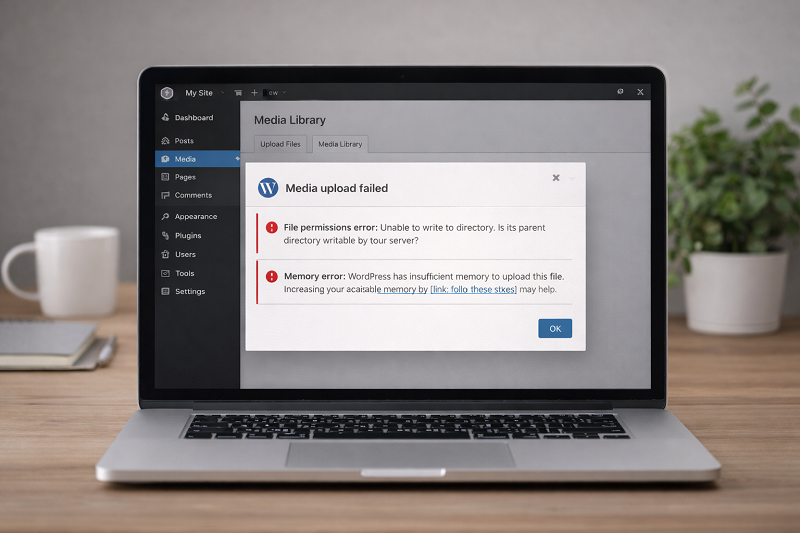
Low PHP Memory Limit
WordPress may not have enough memory to process uploads.
Wrong File Permissions
Incorrect permissions block uploads.
Large Image Size
Big images can exceed server limits.
Plugin or Theme Conflict
Some plugins interfere with media uploads.
How to Fix Critical Error on WordPress
Server Upload Size Limit
Hosting servers have maximum upload size limits. If your image exceeds the server upload limit, WordPress may fail to upload files or show HTTP errors.
How to Fix WordPress Media Upload Error (Step by Step)
Quick Fix (Try This First)
If WordPress is not uploading media, try these quick checks:
Refresh the page and upload again
Reduce image size below 300 KB
Disable plugins temporarily
Switch browser
Increase PHP Memory Limit
Add this code to wp-config.php:
Copy code
Php
define(‘WP_MEMORY_LIMIT’, ‘256M’);
define(‘WP_IMAGE_EDITORS’, [‘WP_Image_Editor_GD’]);
This gives WordPress enough memory to upload files.
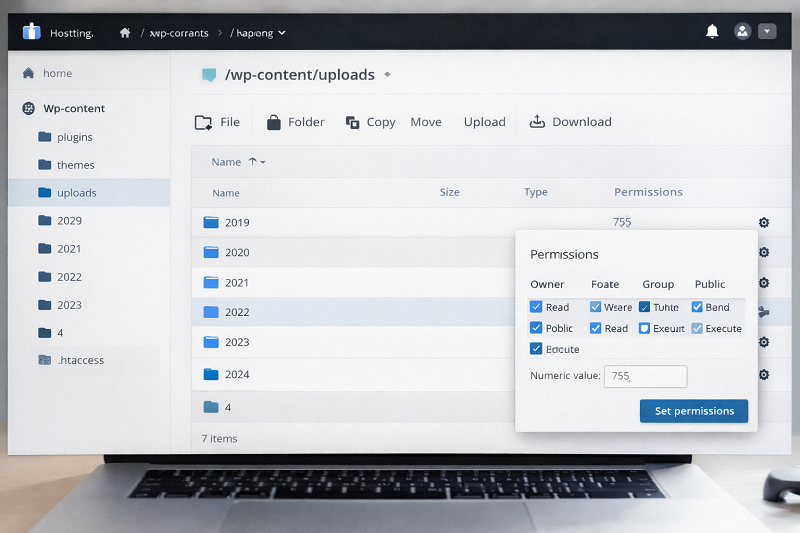
Check and Fix File Permissions
Correct permissions:
Folders: 755
Files: 644
You can fix this using File Manager or FTP.
WordPress File Permissions Guide
https://wordpress.org/support/article/changing-file-permissions
Reduce Image File Size
Large images cause upload failure.
Fix by:
Compressing images
Using WebP format
Keeping images under 300 KB
How to Fix Website Slow Loading
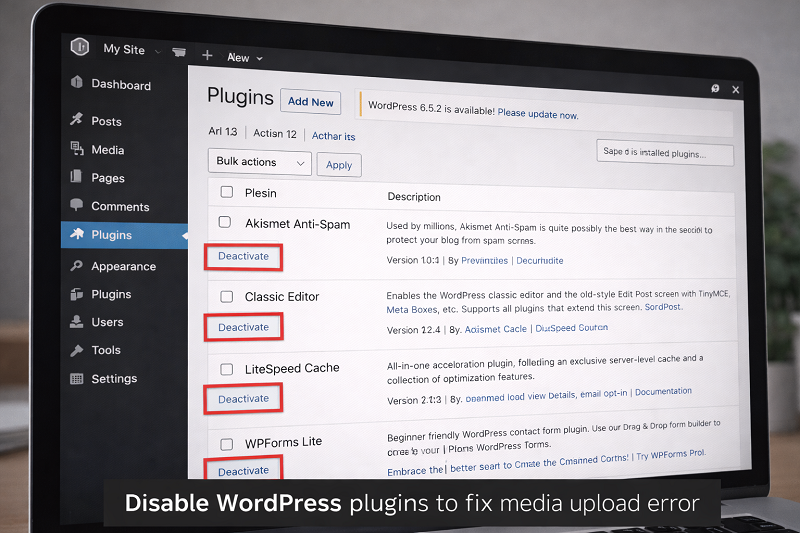
Disable Plugins Temporarily
Disable all plugins
Try uploading image
Enable plugins one by one
This helps find the conflicting plugin.
Change Image Editor Library
Sometimes WordPress image editor causes issues.
Add this code to wp-config.php:
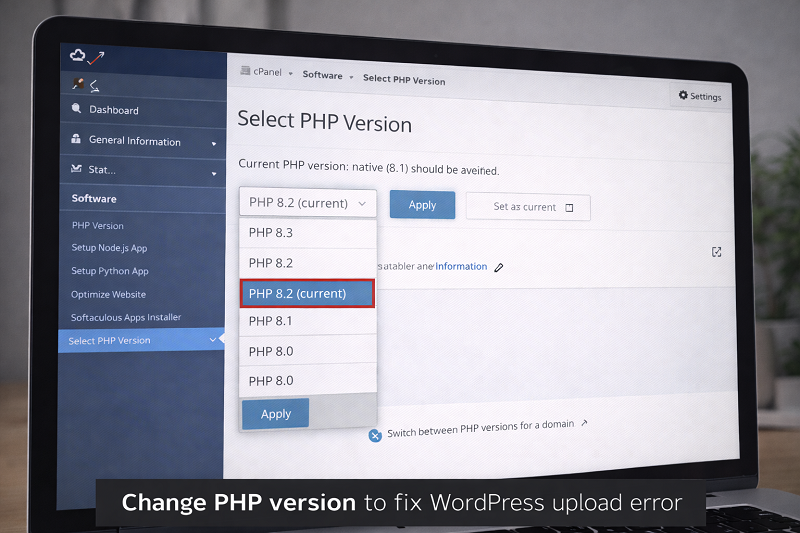
Update PHP Version
Use recommended PHP version:
PHP 8.0 or 8.1 (hosting dependent)
WordPress PHP Requirements
Fix Media Upload Error from Browser Side
Clear Browser Cache
Old cache may block uploads.
Try Another Browser
Test upload on Chrome or Edge.
How to Fix Browser Keeps Crashing
https://problemfixer.net/blog/fix-browser-keeps-crashing
How This Error Affects SEO
Missing images reduce engagement
Broken media hurts UX
Slow uploads delay content updates
Fixing media errors helps SEO and user trust.
How to Prevent Media Upload Issues
Compress images before upload
Keep plugins updated
Use reliable hosting
Avoid unknown image plugins
Regularly monitor hosting upload limits and PHP configuration to ensure WordPress can handle media files without upload errors.
Need Any Tool or Service?
If you need any AI tool, SEO tool, WordPress plugin, or theme at a low price, just message us on WhatsApp.
Tell us what you need, and we’ll confirm availability and the best affordable price.
Contact us on WhatsApp Need help or want a tool at a low price?
Our Services
WordPress Services: https://problemfixer.net/wordpress-services/
AI Tools Services: https://problemfixer.net/ai-tools-services/
SEO Tools Services: https://problemfixer.net/seo-tools-services/
Conclusion
The WordPress media upload error is frustrating but easy to fix.
By adjusting memory, permissions, plugins, and image size, you can upload files smoothly again.
Always test uploads after updates to avoid future problems.
FAQs
Why is WordPress not uploading images?
Because of memory limits, permissions, or plugin conflicts.
Does image size matter in WordPress?
Yes, large images can cause upload errors.
Can hosting cause media upload error?
Yes, server restrictions can block uploads.
Is this error bad for SEO?
Yes, missing images affect user experience and rankings.