
Introduction – Fix Mixed Content Error on Your Website
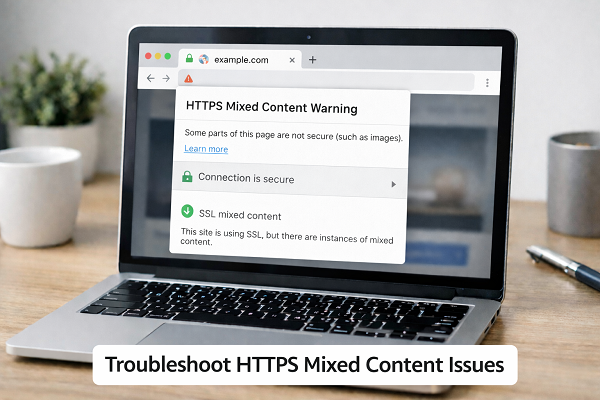
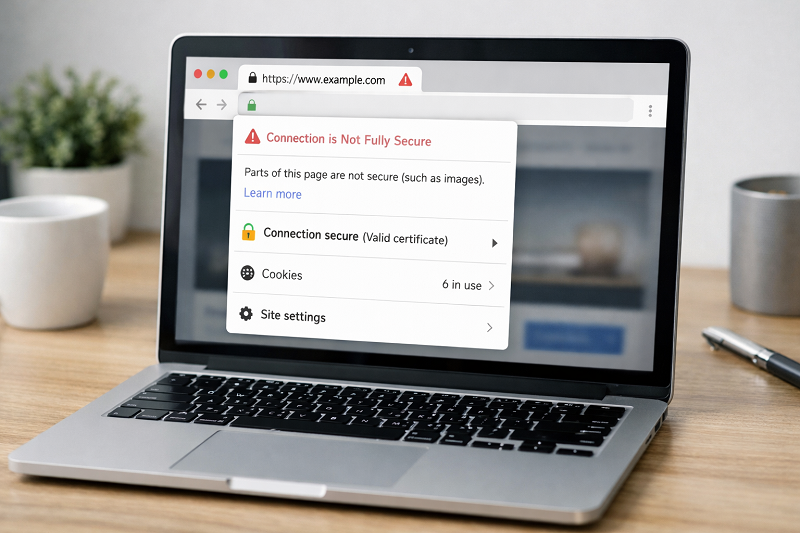
The Mixed Content Error appears when a website loads over HTTPS but still uses some HTTP resources.
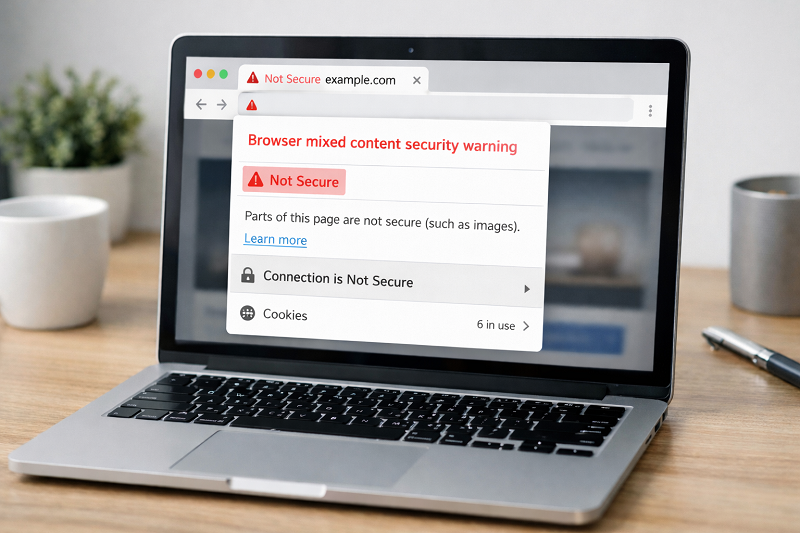
Because of this, browsers show a warning and mark the site as not fully secure.
This problem is common after:
Installing SSL certificate
Migrating website from HTTP to HTTPS
Using old image or script links
The good news is that mixed content error is easy to fix if you follow the right steps.
In this guide, you will learn simple and beginner-friendly solutions to fix mixed content issues.
What Is Mixed Content Error?
Mixed content happens when:
Main page loads with HTTPS
Some files load with HTTP
These files can be:
Images
CSS files
JavaScript files
Fonts
Browsers block or warn users to protect security.
Why Mixed Content Error Is a Problem
Website looks unsafe
Browser warnings scare visitors
SEO trust decreases
HTTPS security benefits are reduced
How to Fix SSL Certificate Error
Common Causes of Mixed Content Error
Old HTTP Image URLs
Images still loading from HTTP.
Hardcoded Scripts or CSS
Theme or plugin files use HTTP links.
External Resources
Third-party scripts loaded via HTTP.
CDN or Cache Serving HTTP Files
Sometimes CDN or cached versions of files still load over HTTP even after HTTPS migration, causing mixed content warnings.
Incorrect Database URLs
Old site URLs stored in database.
How to Fix Mixed Content Error (Step by Step)
Quick Fix (Try This First)
If you see mixed content warnings, start with these quick checks:
Clear website and browser cache
Reload the page with HTTPS
Check console for blocked files
Update recent images or scripts
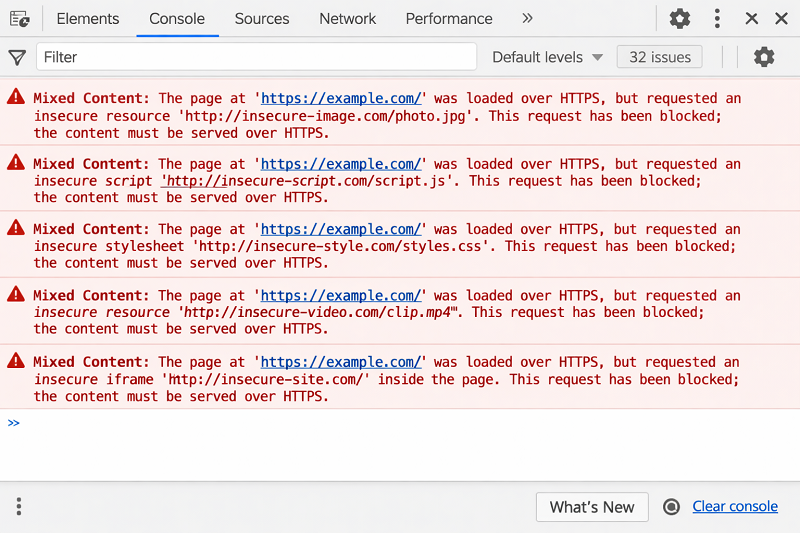
Identify Mixed Content Files
Open browser → Inspect → Console tab
Look for files marked as “Blocked: Mixed Content”
This shows exactly what needs fixing.
Replace HTTP URLs with HTTPS
Update image URLs
Update script and CSS links
Always use https://
How to Fix Website Not Opening on Mobile
Use Search and Replace Tool
Replace all http://yourwebsite.com with https://yourwebsite.com
You can:
Use database search tool
Use WordPress plugin
WordPress HTTPS Migration Guide
https://wordpress.org/support/article/https-for-wordpress/
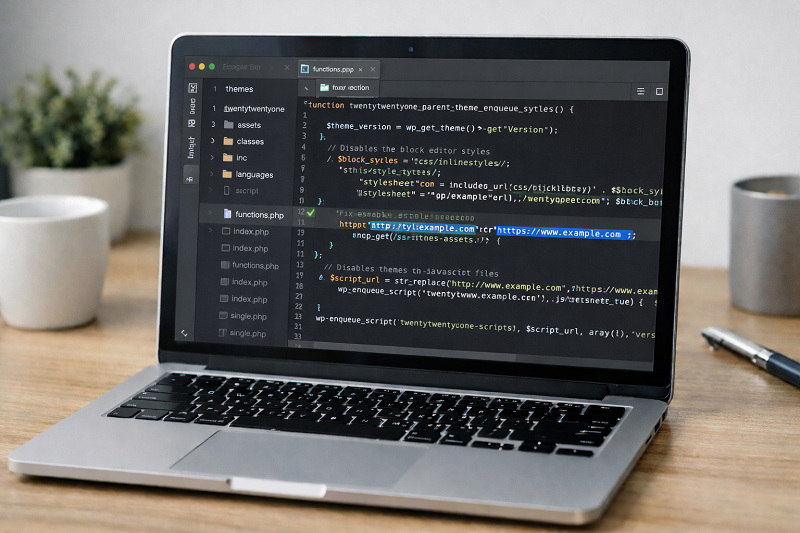
Fix Mixed Content in WordPress Theme
Check header.php and footer.php
Update any HTTP resource links
Use relative URLs where possible
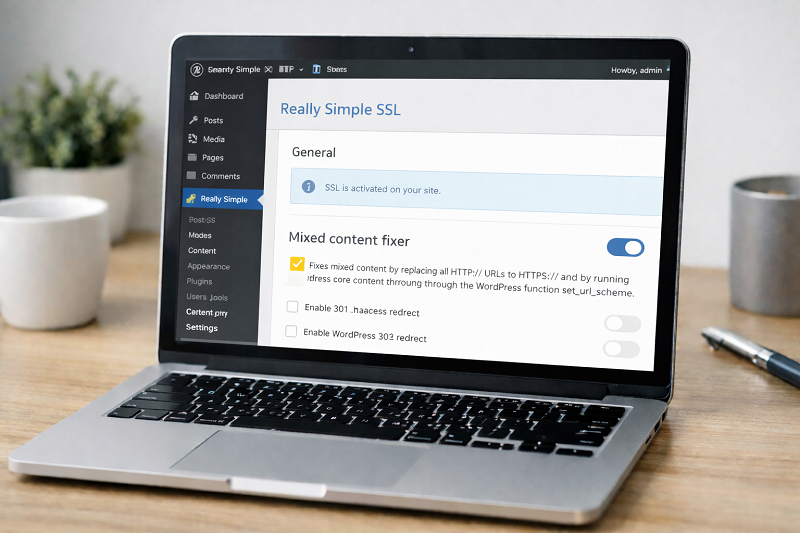
Fix Mixed Content Using Plugin
SSL plugins can auto-fix issues.
Steps:
Install SSL helper plugin
Enable mixed content fix
Clear cache
Google HTTPS Best Practices
https://developers.google.com/search/docs/advanced/security/https
Clear Cache After Fixing Mixed Content
Always clear:
WordPress cache
Browser cache
CDN cache
How to Fix Website Slow Loading
How Mixed Content Error Affects SEO
Security warnings reduce trust
Bounce rate increases
HTTPS ranking benefit lost
Fixing mixed content helps SEO and user confidence.
How to Prevent Mixed Content in Future
Always upload images via HTTPS
Avoid HTTP third-party scripts
Check site after SSL changes
Use HTTPS by default
After installing SSL or migrating to HTTPS, always run a full site scan to detect and fix any remaining HTTP resources.
Need Any Tool or Service?
If you need any AI tool, SEO tool, WordPress plugin, or theme at a low price, just message us on WhatsApp.
Tell us what you need, and we’ll confirm availability and the best affordable price.
Contact us on WhatsApp Need help or want a tool at a low price?
Our Services
WordPress Services: https://problemfixer.net/wordpress-services/
AI Tools Services: https://problemfixer.net/ai-tools-services/
SEO Tools Services: https://problemfixer.net/seo-tools-services/
Conclusion
The Mixed Content Error can make your secure website look unsafe.
By replacing HTTP links, fixing themes, and clearing cache, you can fully secure your website.
Always test your site after SSL installation to avoid future problems.
FAQs
What causes mixed content error?
When HTTPS pages load HTTP resources.
Is mixed content bad for SEO?
Yes, it reduces trust and HTTPS benefits.
Can plugins fix mixed content?
Yes, SSL plugins can auto-fix many issues.
Should I ignore mixed content warnings?
No, always fix them to keep your site secure.