“This site can’t be reached error” is a common browser issue that appears when your computer cannot connect to a website. This problem usually happens due to DNS issues, internet connection problems, or browser configuration errors.
In this guide, you will learn simple step-by-step methods to fix this site can’t be reached error on Windows quickly and safely.
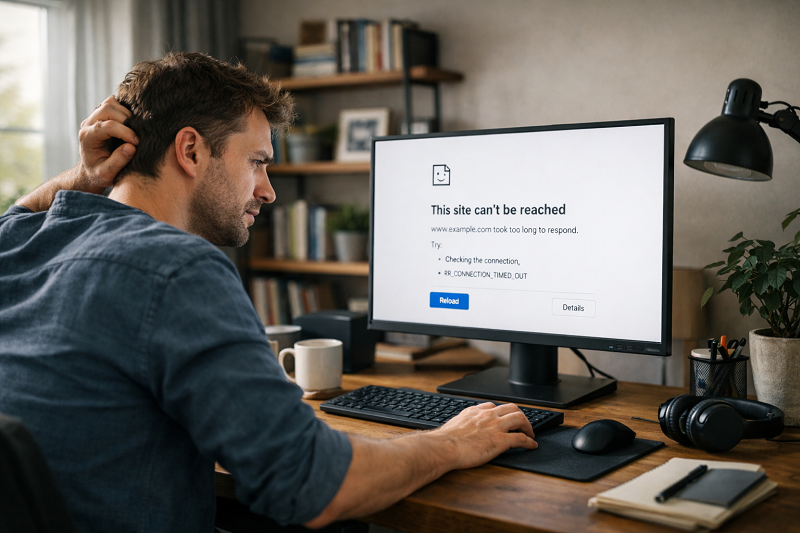
What Does “This Site Can’t Be Reached” Mean?
This error means your browser failed to connect to the website server.
Common causes
- DNS not responding
- Internet disconnected
- Wrong proxy or VPN
- Browser cache issue
- Firewall blocking connection
Step 1: Check Internet Connection
Make sure your internet is working properly.
What to do:
- Open another website
- Restart WiFi
- Try mobile hotspot test
Related issue:
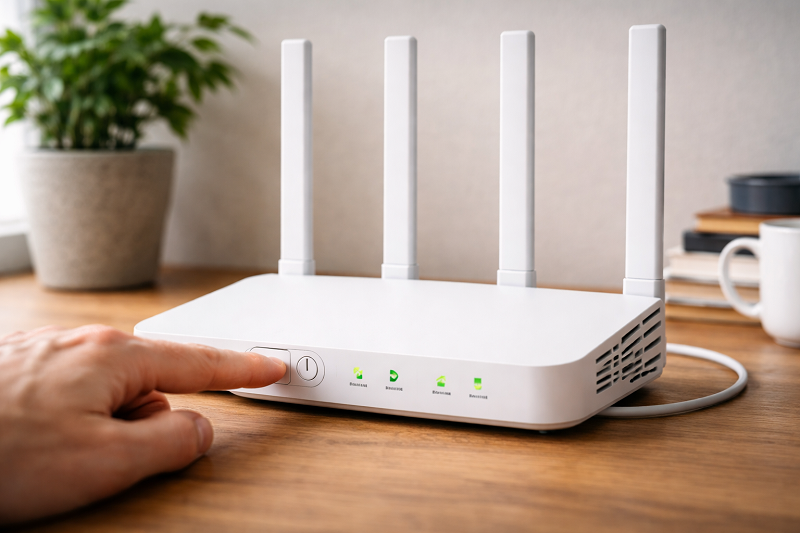
Step 2: Restart Router and Computer
Temporary network glitches often cause this error.
Steps:
- Turn off router for 60 seconds
- Restart computer
- Reconnect and test again
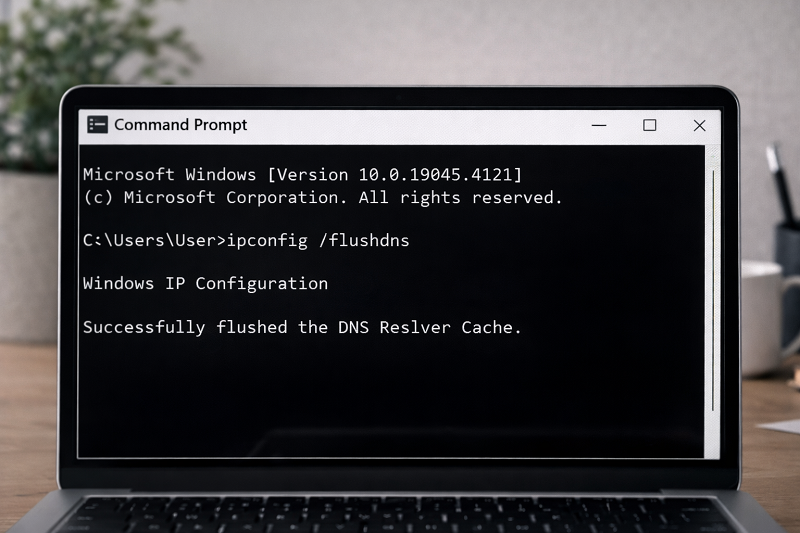
Step 3: Flush DNS Cache
Old DNS records may block website loading.
Steps:
- Press Windows + R
- Type cmd → Run as Admin
- Enter: ipconfig /flushdns
https://learn.microsoft.com/en-us/windows-server/administration/windows-commands/ipconfig?utm
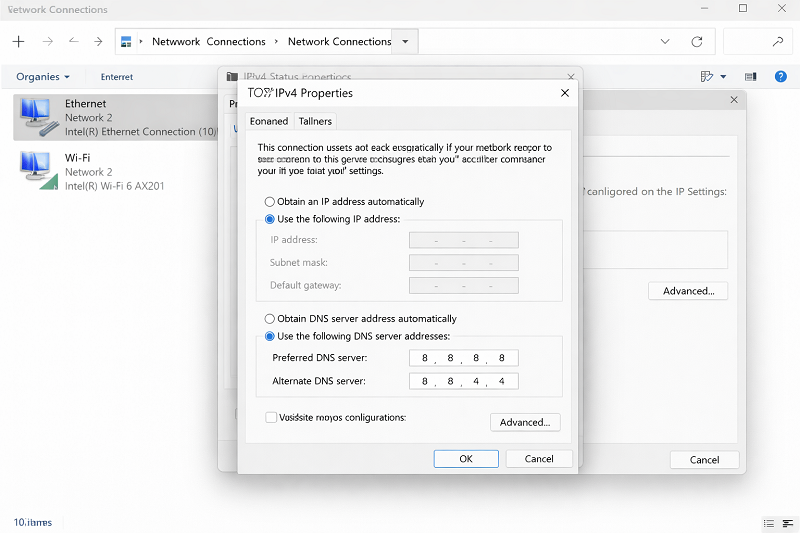
Step 4: Change DNS Server
Using public DNS helps resolve connection issues.
Recommended DNS:
- 8.8.8.8
- 8.8.4.4
https://developers.google.com/speed/public-dns
Step 5: Disable VPN or Firewall Temporarily
VPN or firewall may block the website.
What to check:
- Turn off VPN
- Disable firewall briefly
- Reload website
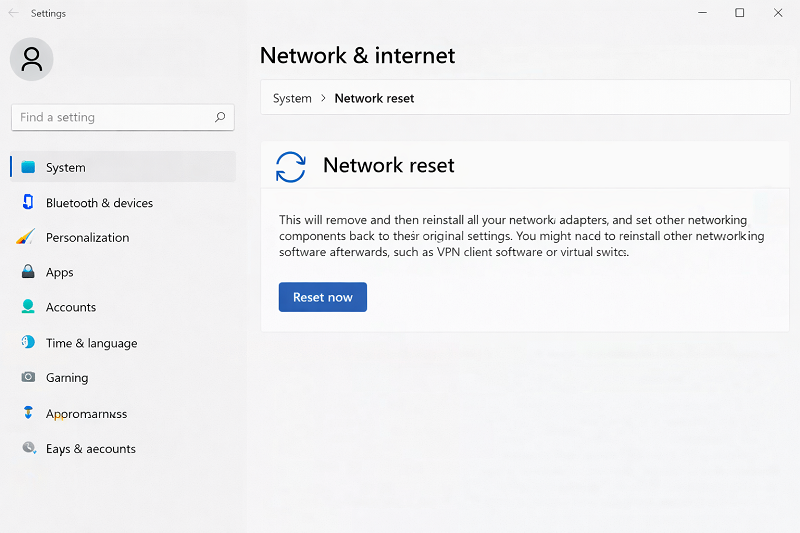
Step 6: Reset Network Settings
If nothing works, reset network configuration.
Steps:
- Settings → Network & Internet
- Advanced Network Settings
- Network Reset
Professional help page:
Need expert help with internet or website issues?
Then keep:
WordPress Services: https://problemfixer.net/wordpress-services/
AI Tools Services: https://problemfixer.net/ai-tools-services/
SEO Tools Services: https://problemfixer.net/seo-tools-services
Conclusion
“This site can’t be reached” error is mostly caused by DNS or internet configuration issues. By checking your connection, flushing DNS, and updating network settings, you can fix this problem quickly and safely.
❓ FAQs
Q1: Is this a browser or internet issue?
Mostly an internet or DNS configuration problem.
Q2: Does flushing DNS fix this error?
Yes, in many cases it works immediately.
Q3: Can VPN cause this error?
Yes, VPN or firewall can block website access.
Q4: Should I reset network settings?
Only if other steps do not work.