


ERR_CONNECTION_TIMED_OUT error is a common browser issue that appears when your browser cannot connect to a website within a given time. This problem usually happens because of slow internet, DNS issues, firewall restrictions, or browser misconfiguration.
The good news is that most ERR_CONNECTION_TIMED_OUT error on Windows issues are easy to fix. In this guide, you will learn simple step-by-step solutions to fix ERR_CONNECTION_TIMED_OUT problems quickly and safely.

What Is ERR_CONNECTION_TIMED_OUT Error?
This error means your browser tried to reach the website server but did not receive a response in time.
Common reasons
- Slow or unstable internet
- DNS server not responding
- Firewall blocking request
- Proxy or VPN interference
- Website server temporarily down
Step 1: Check Your Internet Speed
A slow connection can easily cause timeout errors.
What to do:
- Restart WiFi
- Disconnect unused devices
- Try another network
Related guide:
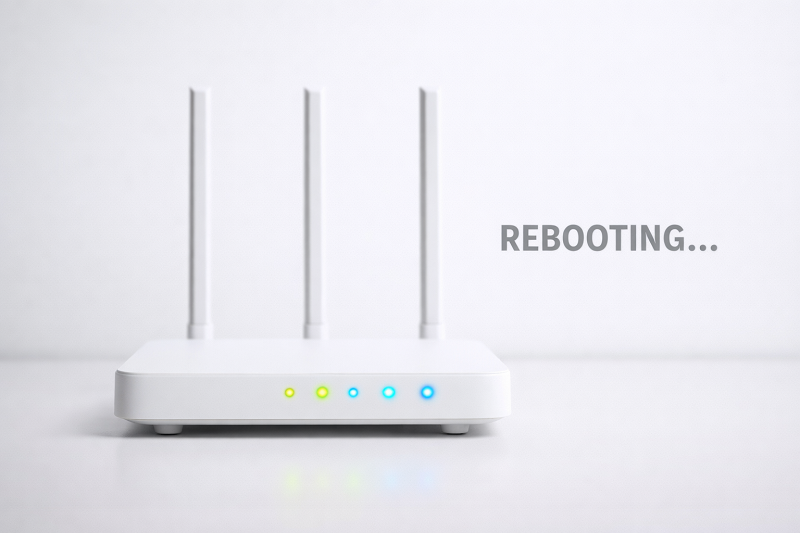
Step 2: Restart Router and Modem
Network devices often need a refresh.
Steps:
- Turn off router & modem
- Wait 60 seconds
- Turn them back on
Step 3: Flush DNS Cache
Corrupted DNS cache may delay connections.
Steps:
- Press Windows + R
- Type cmd → Run as Admin
- Enter: ipconfig /flushdns
https://learn.microsoft.com/en-us/windows-server/administration/windows-commands/ipconfig?utm
Step 4: Change DNS Servers
Switching to public DNS improves connectivity.
Recommended DNS:
Google DNS: 8.8.8.8 / 8.8.4.4
https://developers.google.com/speed/public-dns
This method works because public DNS servers like Google DNS are faster and more reliable than default ISP DNS.

Step 5: Disable Firewall, Proxy, or VPN
Security tools may block website requests.
Check this:
- Turn off VPN
- Disable proxy
- Temporarily pause firewall
Related problem:
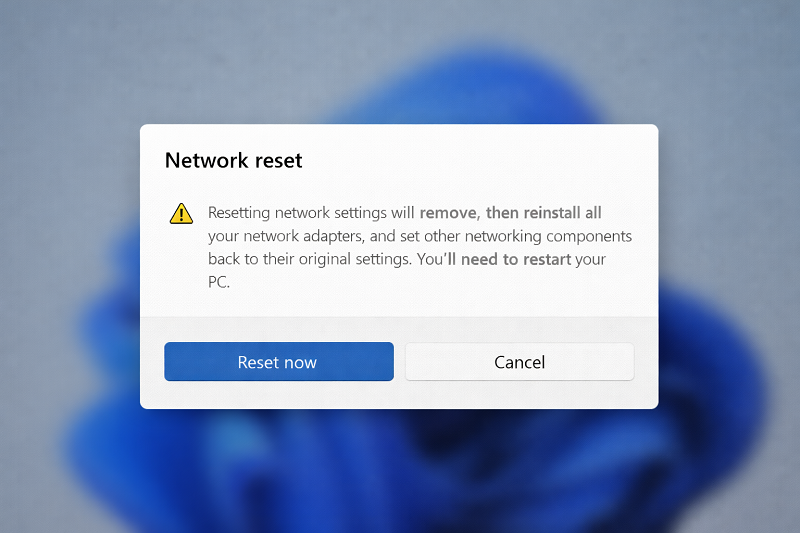
Step 6: Reset Network Settings
If the error continues, reset network configuration.
Steps:
- Settings → Network & Internet
- Advanced Network Settings
- Network Reset
Need professional help with network or website issues?
Recommended Tools
Helpful network troubleshooting tools or router upgrades may be added here in the future.
Then keep:
WordPress Services: https://problemfixer.net/wordpress-services/
AI Tools Services: https://problemfixer.net/ai-tools-services/
SEO Tools Services: https://problemfixer.net/seo-tools-services
Conclusion
ERR_CONNECTION_TIMED_OUT error is mainly caused by slow internet, DNS issues, or blocked network requests. By checking your connection, updating DNS, and resetting network settings, you can fix this problem without technical risk.
❓ FAQs
Is ERR_CONNECTION_TIMED_OUT a website issue?
Sometimes yes, but mostly it is a network or DNS issue.
Can DNS change fix this error?
Yes, public DNS often resolves timeout problems.
Does firewall cause this error?
Yes, strict firewall rules may block requests.
Q4: Should I reset network settings?
Only if other steps do not work.


Please contact on whatsaap.
Thanks