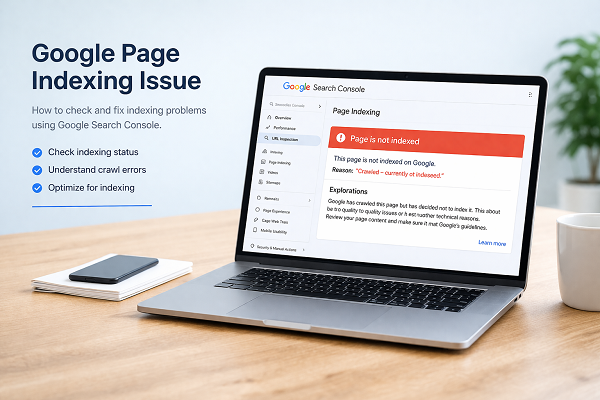

Page not indexed in Google is a common issue, especially for new websites. Sometimes you publish a new page, but it does not appear in search results. When a page is not indexed, it means Google has not added it to its database or decided not to show it.
If your page is not indexed in Google, do not worry. In this guide, you will learn simple and safe steps to fix indexing issues using Google Search Console.
This guide will help you fix page not indexed in google step by step.
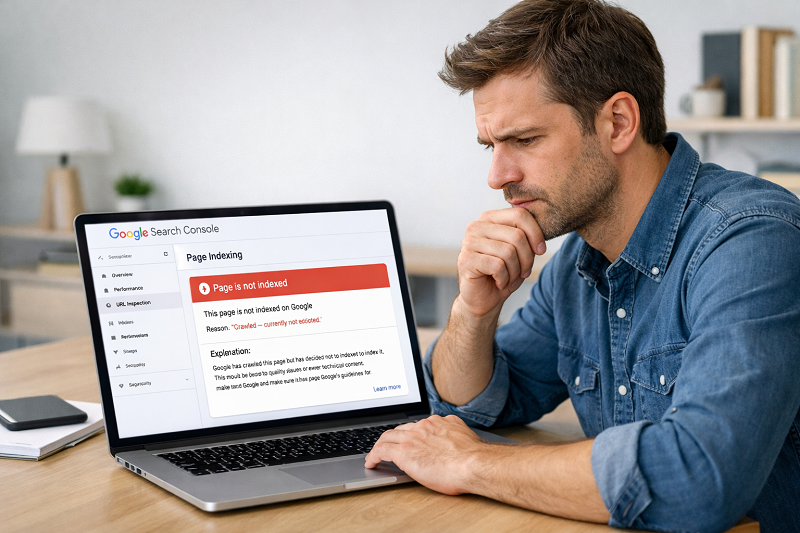
What Does “Page Not Indexed” Mean?
When Google does not index a page, it means:
- Your page is not added to Google’s database
- The page will not appear in search results
- Users cannot find your page through Google
You can check this inside Google Search Console. If you see messages like “Discovered – currently not indexed” or “Crawled – currently not indexed”, it means Google found your page but did not index it.
👉 Related guide:
https://problemfixer.net/blog/how-to-fix-crawled-currently-not-indexed
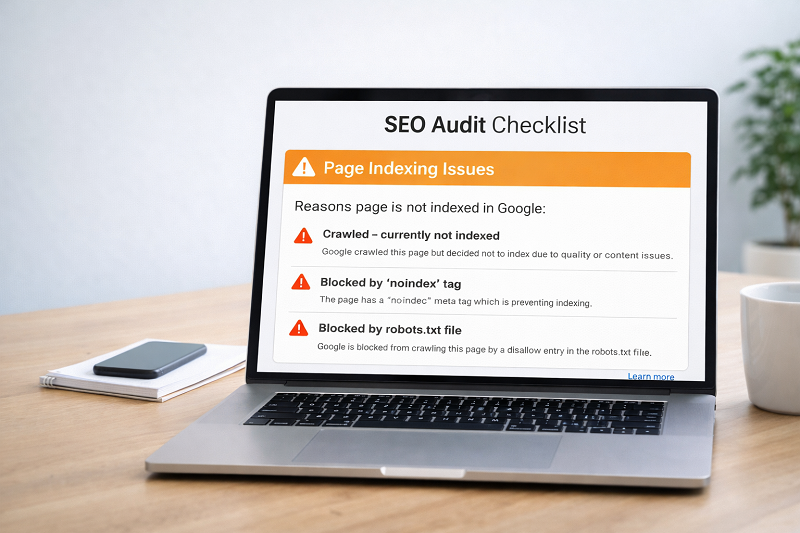
Common Reasons Why Google Does Not Index Pages
New Website or New Page
If your website is new, Google needs time to trust it. New pages can take days or weeks to get indexed.
No Sitemap Submitted
If Google does not know about your pages, it cannot index them.
👉 Learn sitemap fix here:
https://problemfixer.net/blog/fix-sitemap-error-in-search-console
Low-Quality or Thin Content
Very short or copied content is often skipped by Google.
Step-by-Step Fix to Index Page in Google
Step 1 – Check URL in Search Console
Open Google Search Console → URL Inspection → Paste your page URL.
If indexing is allowed, move to next step.
https://support.google.com/webmasters/answer/9012289
Recommended SEO Tool:
💡 Recommended SEO Tool:
If you want faster indexing and better SEO tracking, you can use tools like SEMrush to audit your pages and find indexing issues easily.
👉 Try it here
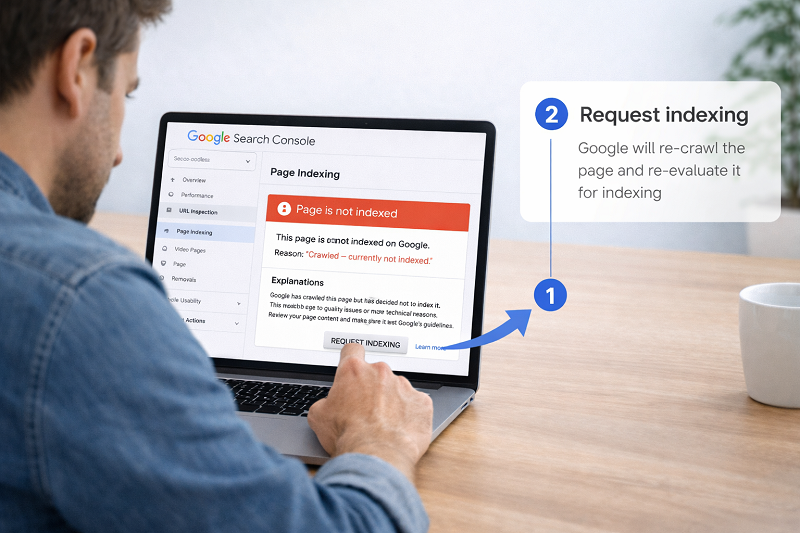
Step 2 – Request Indexing
After inspecting the URL, click Request Indexing.
This tells Google to review your page again.
H3: Step 3 – Add Page to Sitemap
Make sure your page URL exists in your sitemap.
https://developers.google.com/search/docs/crawling-indexing/sitemaps/overview
Step 4 – Improve Internal Linking
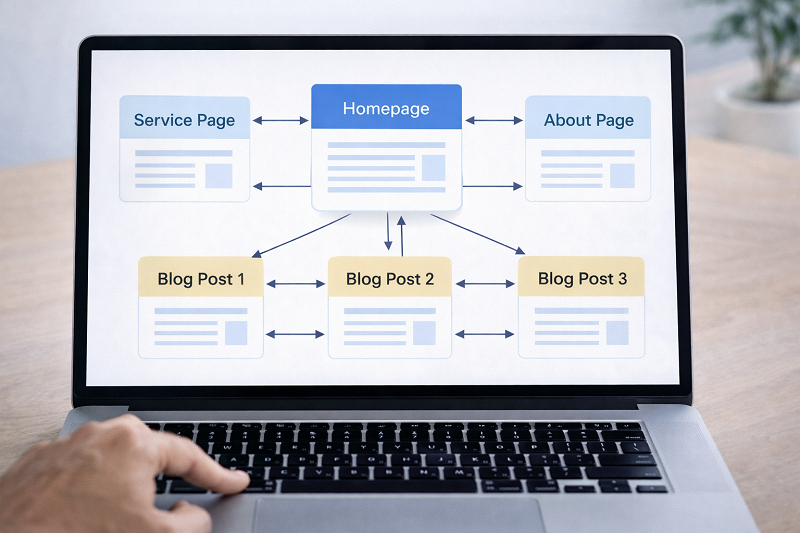
Google finds pages faster when they are linked from other pages.
👉 Example internal linking:
- Add link from Home page
Add link from related blog posts
https://problemfixer.net/blog/fix-discovered-not-indexed
How Long Does It Take to Fix Page Not Indexed in Google?
Usually:
- New pages: 2–14 days
- New websites: 2–4 weeks
- Trusted websites: few hours to days
Do not request indexing again and again. That can slow things down.
Professional Help Section
Need Professional WordPress or SEO Help?
If your pages are still not indexed, you may need expert help.
I provide WordPress fixes, SEO issue resolution, and Google Search Console support.
👉 Get help here:
WordPress Services: https://problemfixer.net/wordpress-services/
AI Tools Services: https://problemfixer.net/ai-tools-services/
Conclusion
A page not indexed in Google is a common issue, especially for new websites. Most of the time, the problem can be fixed by checking Search Console, improving internal links, and submitting a proper sitemap.
Follow the steps above patiently, and Google will index your page naturally. If your page is still not indexed in google, repeat the steps carefully and keep improving your content quality.

FAQs
Why is my page crawled but not indexed?
Google may think your content is low quality or not useful enough.
Does requesting indexing guarantee ranking?
No. Indexing only means Google knows your page.
How many internal links should I add?
2–3 internal links are enough for one page
Can too many requests cause issues?
Yes. Request indexing only once unless page is updated
Why is my page not indexed in google even after request?
Sometimes Google needs time to review your page or improve content quality before indexing.