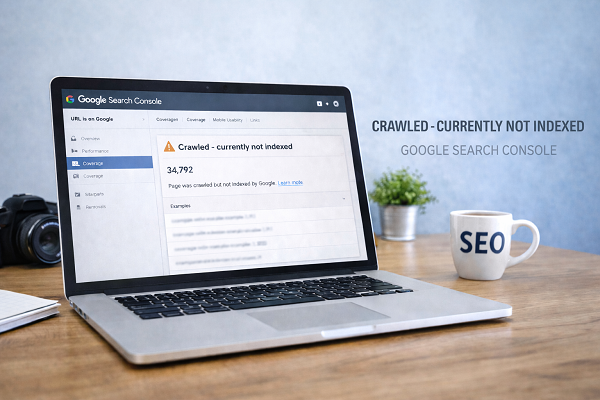

If Google says “Crawled – currently not indexed”, it means Google has visited your page but decided not to index it. This is one of the most confusing issues for website owners, especially beginners.
The good news is:
👉 This problem can be fixed.
In this guide, you will learn simple, safe, and Google-approved steps to fix crawled but not indexed pages using Google Search Console and basic SEO improvements.
This guide will help you fix crawled currently not indexed issue step by step.

What Does “Crawled – Currently Not Indexed” Mean?
Google has:
- Found your page
- Crawled your page
- But did NOT add it to search results
This usually happens when Google thinks:
- Content is not strong enough
- Page has low value
- Page is similar to other pages
👉 Related guide:
Main Reasons Behind This Issue
Thin or Low-Quality Content
Short or generic content often gets skipped.
Duplicate or Similar Pages
If content looks similar to other pages, Google may ignore it.
Weak Internal Linking
Pages without internal links look unimportant to Google.
https://problemfixer.net/blog/fix-discovered-not-indexed

Step-by-Step Fix for Crawled Not Indexed Pages
Step 1 – Improve Content Quality
Make sure your page:
- Solves one clear problem
- Has at least 1200–1500 words
- Uses simple language
Step 2 – Add Strong Internal Links
Link your page from:
- Home page
- Related blog posts
https://problemfixer.net/blog/fix-sitemap-error-in-search-console
Recommended SEO Tool:
To analyze indexing issues and improve content quality, tools like SEMrush can help you find SEO problems quickly.
Step 3 – Check URL in Search Console
Inspect your URL and confirm:
- Indexing allowed
- No “noindex” tag
https://support.google.com/webmasters/answer/9012289
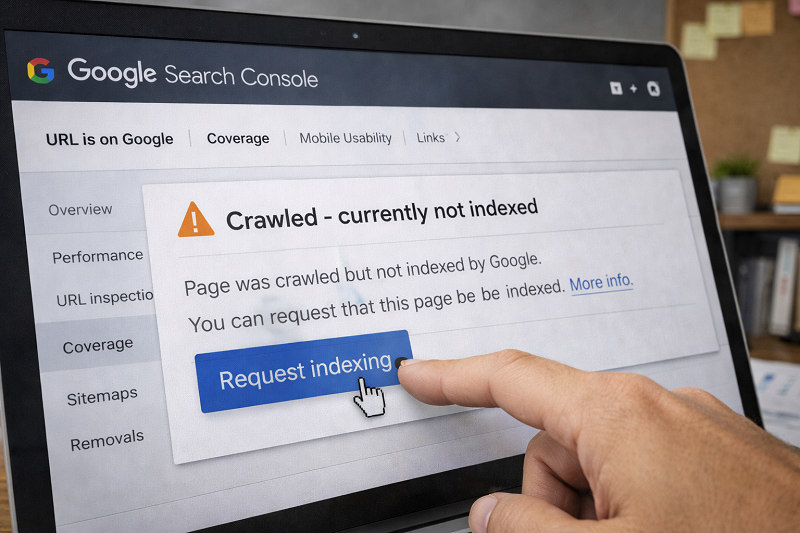
Step 4 – Request Indexing
After fixing issues, click Request Indexing.
https://developers.google.com/search/docs/crawling-indexing/ask-google-to-recrawl
How Long to Fix Crawled Currently Not Indexed in Google?
Usually:
- 3–10 days for review
- New sites may take longer
- Do not spam indexing requests
Patience is part of SEO.
Professional SEO Help
Need Expert Help to Fix Indexing Issues?
If multiple pages show crawled but not indexed, professional help can save time.
👉 Get professional Ai & WordPress help:
WordPress Services: https://problemfixer.net/wordpress-services/
AI Tools Services: https://problemfixer.net/ai-tools-services/

Conclusion
If your page is still crawled currently not indexed, improve your content and internal linking again and give Google time to review.
FAQs
Is crawled not indexed bad?
No. It just means Google is unsure about page quality.
Can this issue fix itself?
Sometimes yes, but improvements speed it up.
Should I delete such pages?
No. Improve them instead.
How many internal links are enough?
2–3 strong internal links are enough.
Why does Google crawl but not index my page?
Google may find your page but skip indexing if it thinks the content is not useful or unique enough.