When WiFi keeps disconnecting on Windows, it becomes difficult to browse the internet, attend online meetings, or stream videos. The connection may drop again and again even when the signal looks strong. This is a common problem on Windows laptops and desktop computers.
In this guide, you will learn simple step-by-step solutions to fix WiFi keeps disconnecting issues and make your internet connection stable again.
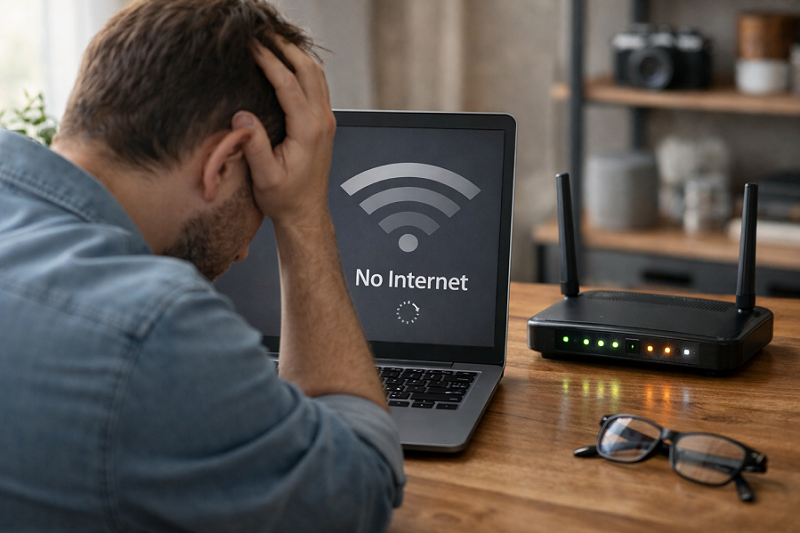
Why Does WiFi Keep Disconnecting?
WiFi problems usually happen due to router issues, network settings, or driver problems.
Common Reasons
- Weak WiFi signal
- Router overheating
- Outdated network driver
- Power saving settings
- Too many connected devices
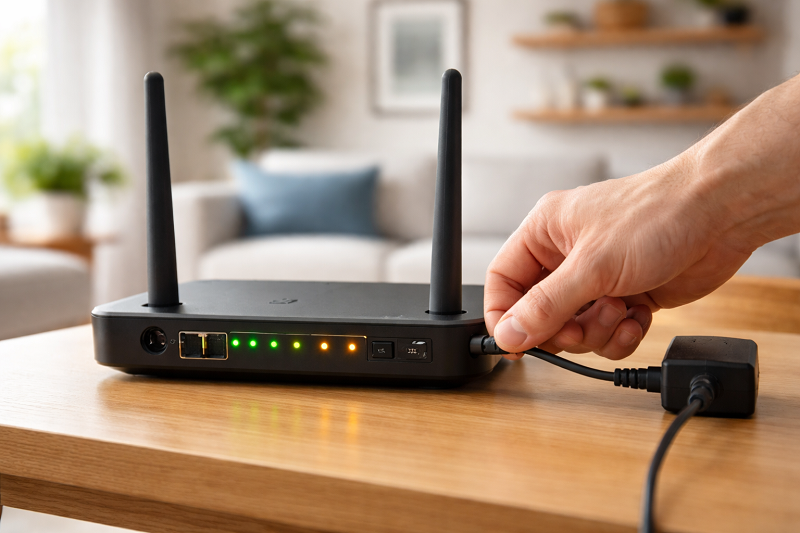
Step 1: Restart Router and Modem
This clears temporary network errors.
What to do:
- Turn off router and modem
- Unplug for 60 seconds
- Plug back and turn on
- Wait 2–3 minutes
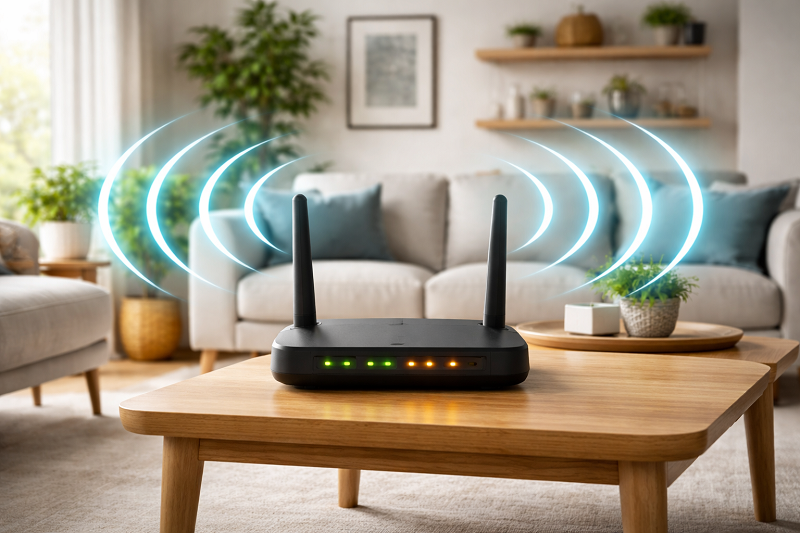
Step 2: Move Closer to the WIFI Router
Distance and walls reduce signal strength.
Best placement tips
Place router in center of home
Avoid thick walls and metal objects
Keep router away from microwave
If internet connects but does not work, read:
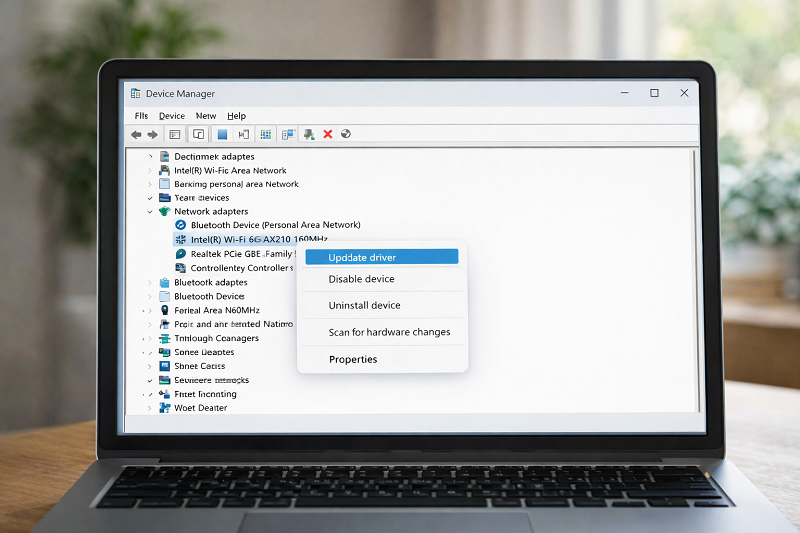
Step 3: Update Network Adapter Driver
Outdated drivers cause frequent disconnections.
Steps:
- Press Windows + X
- Open Device Manager
- Expand Network Adapters
- Right-click WiFi adapter → Update driver
Step 4: Turn OFF Power Saving for WiFi
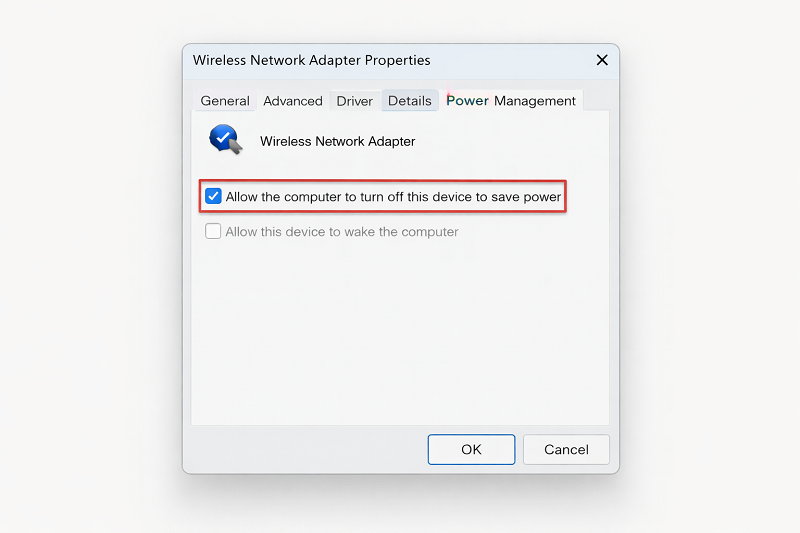
Windows may turn off WiFi to save power.
Steps:
- Device Manager → Network Adapters
- WiFi adapter → Properties
- Power Management tab
- Uncheck “Allow computer to turn off…”
Step 5: Change WiFi Channel in Router Settings
Crowded channels cause instability.
What to do:
- Login to router admin page
- Go to Wireless settings
- Change channel (1, 6, or 11)
- Save and reboot
Step 6: Reduce Number of Connected Devices
Too many devices slow down WiFi.
What helps
- Disconnect unused devices
- Use 5GHz band if available
- Upgrade router if very old
Related issue:
Need expert help with WiFi or WordPress issues?
Recommended Tools
Helpful WiFi troubleshooting tools or router upgrades may be listed here in the future.
WordPress Services: https://problemfixer.net/wordpress-services/
AI Tools Services: https://problemfixer.net/ai-tools-services/
SEO Tools Services: https://problemfixer.net/seo-tools-services
Conclusion
WiFi keeps disconnecting is a common but solvable problem. By restarting your router, updating drivers, adjusting settings, and reducing interference, you can enjoy a stable internet connection again. Follow the steps carefully for best results.
❓ FAQs
Q1: Why does my WiFi disconnect every few minutes?
Weak signal, driver issues, or router problems are common reasons.
Q2: Can Windows updates cause WiFi problems?
Yes, updates can affect network drivers or settings.
Q3: Does changing WiFi channel really help?
Yes, it reduces interference from nearby networks.
Q4: Should I replace my router?
Only if your router is very old and unstable.