Introduction – Fix DNS Server Not Responding Error
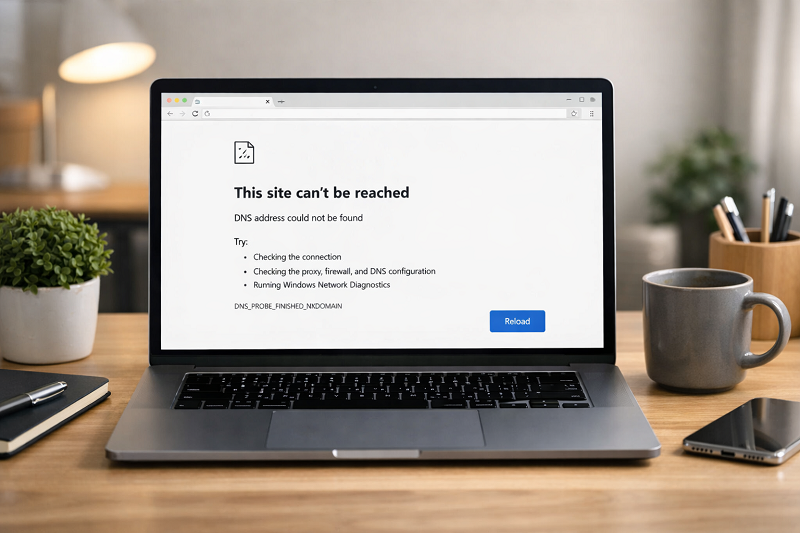
The DNS Server Not Responding error is a common internet problem that stops websites from loading. This happens when your browser cannot connect to the DNS server.
Because of this, websites do not open even when your internet looks connected.
This problem can happen on Windows, Mac, Chrome, Edge, or any browser.
The good news is that most fixes are simple and safe.
In this guide, I will explain easy steps to fix this error without technical knowledge.
This error is common but can usually be fixed in just a few minutes.
Quick Fix (Try This First)
If your DNS server is not responding, try these steps:
- Restart your router
- Change DNS to 8.8.8.8
- Flush DNS cache
- Clear browser cache
Signs Your DNS Is Not Working
You may have a DNS problem if you notice these signs:
- Websites are not opening
- WiFi shows connected but internet does not work
- You see the “DNS server not responding” message
- Pages load very slowly
What Is DNS Server Not Responding?
DNS (Domain Name System) works like a phonebook of the internet.
It converts website names (like google.com) into IP addresses.
When DNS fails:
Websites cannot load
Browser shows error message
Internet feels broken
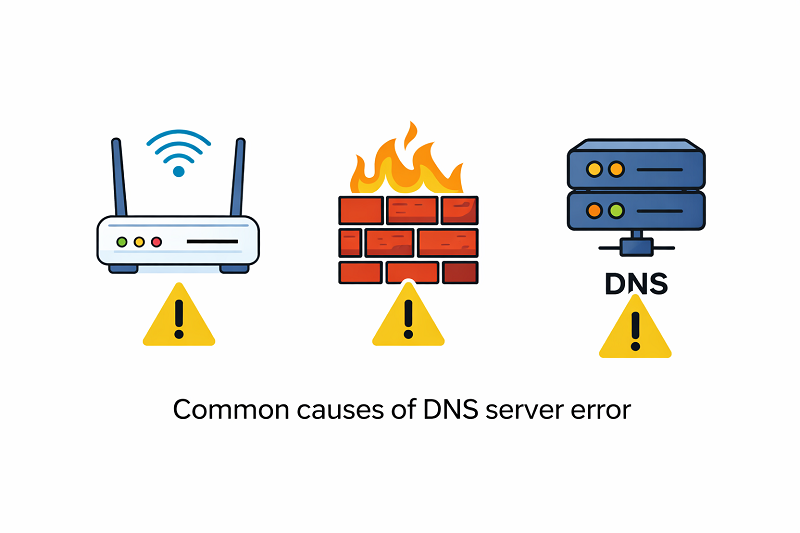
Common Causes of DNS Server Error
ISP DNS Server Failure
Sometimes your Internet Service Provider (ISP) DNS servers stop responding due to outages or heavy traffic. Switching to a public DNS like Google or Cloudflare usually fixes the problem quickly.
Common DNS Problems and Quick Fixes
- ISP DNS issue → Switch to Google DNS
- Router problem → Restart router
- Wrong DNS settings → Change DNS manually
- Firewall blocking → Disable firewall temporarily
Internet Router Issues
Temporary router problems can stop DNS communication.
Wrong DNS Settings
Automatic DNS may fail sometimes.
Firewall or Antivirus Blocking DNS
Security software can block DNS traffic.
How to Fix This Site Can’t Be Reached Error
https://problemfixer.net/blog/fix-this-site-cant-be-reached
How to Fix DNS Server Not Responding Error
Restart Router and Computer
Turn off router
Wait 30 seconds
Restart router and PC
Try opening website again This fixes most temporary issues.
Change DNS Server Manually
Switch to public DNS servers.
Recommended DNS:
Google DNS: 8.8.8.8 and 8.8.4.4
Cloudflare DNS: 1.1.1.1
Google Public DNS
https://developers.google.com/speed/public-dns
Flush DNS Cache – dns server not responding fix
On Windows:
Open Command Prompt
Type: ipconfig /flushdns
Press Enter
This clears old DNS data.
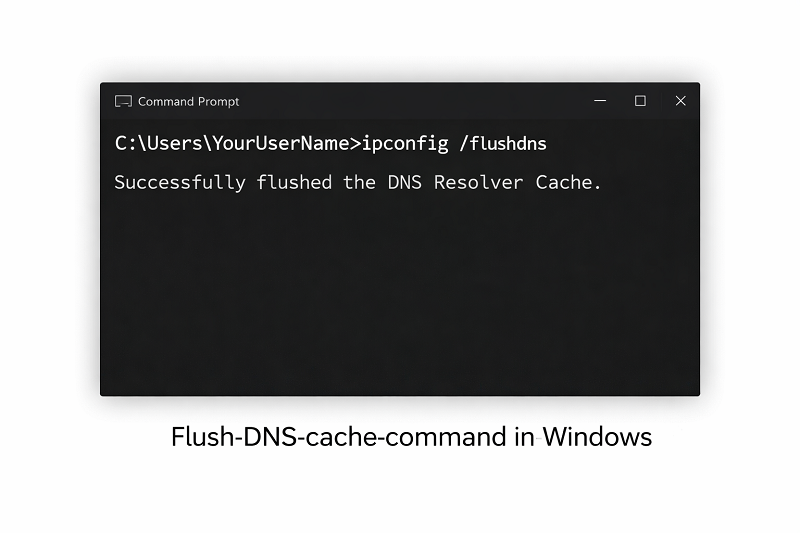
Command prompt screen showing “DNS Resolver Cache flushed”, dark terminal UI.
ALT Text:
Flush DNS cache command in Windows
Disable Antivirus Temporarily
Some antivirus programs block DNS.
Steps:
Turn off antivirus temporarily
Check website
Turn antivirus back on
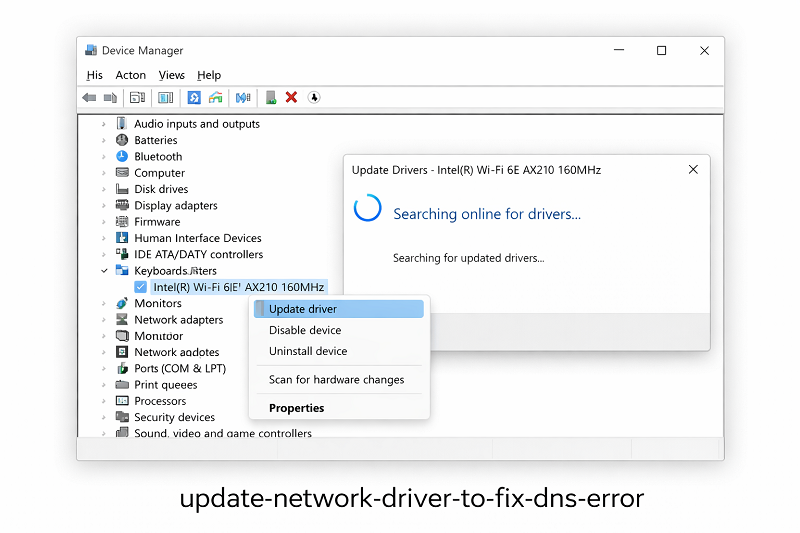
Update Network Driver
Outdated drivers can cause DNS issues.
Windows Network Troubleshooting Guide
Fix DNS Error on Browser Level
If you still see DNS errors after trying these steps, run your operating system’s built-in network troubleshooter. It can automatically detect and fix common connection problems.
Clear Browser Cache
Open browser settings
Clear cache and cookies
Restart browser
How to Fix Browser Keeps Crashing
https://problemfixer.net/blog/fix-browser-keeps-crashing
Try Another Browser
Sometimes the issue is browser-specific.
Test website on Chrome, Edge, or Firefox.
How to Prevent DNS Problems in Future
Use reliable DNS servers
Restart router weekly
Keep system updated
Avoid unknown VPN tools
If none of the fixes work, the issue may be from your Internet Service Provider. Contact your ISP and ask if there is a DNS outage in your area.
Official Tools Option
Some users prefer to buy directly from the official website.
You can check the official source here:
[Official Link / Affiliate Link – optional]
You’re free to choose the official option above, or contact us if you want the same tool set up for you at a lower cost.
Need Any Tool or Service at a Low Price?
If you need any AI tool, SEO tool, WordPress plugin, or theme at a low price, just message us on WhatsApp.
Tell us what you need, and we’ll confirm availability and the best affordable price.
Contact us on WhatsApp Need help or want a tool at a low price?
Our Tools Services
WordPress Services: https://problemfixer.net/wordpress-services/
AI Tools Services: https://problemfixer.net/ai-tools-services/
SEO Tools Services: https://problemfixer.net/seo-tools-services/
Conclusion
The DNS Server Not Responding error may look serious, but most problems can be fixed in minutes. Start with simple steps like restarting your router or switching to a public DNS server. If the issue continues, review your network settings carefully and avoid making random changes.
FAQs
Why does DNS server not responding happen?
Because DNS server cannot translate website names into IP addresses.
Is DNS error related to hosting?
Sometimes yes, but mostly it is a local network issue.
Can DNS error affect SEO?
Yes, if your site becomes unreachable for search engines.
Is changing DNS safe?
Yes, public DNS servers are safe and fast.