Introduction – Fix Too Many Redirects Error
If your website keeps refreshing again and again and finally shows “ERR_TOO_MANY_REDIRECTS”, this means your site is stuck in a redirect loop.
This problem is very common on WordPress websites, especially after installing plugins, changing SSL settings, or moving to HTTPS.
The good thing is that you do not need to be a developer to fix this issue.
In this guide, I will explain simple and safe steps that anyone can follow.
What Is the Too Many Redirects Error?
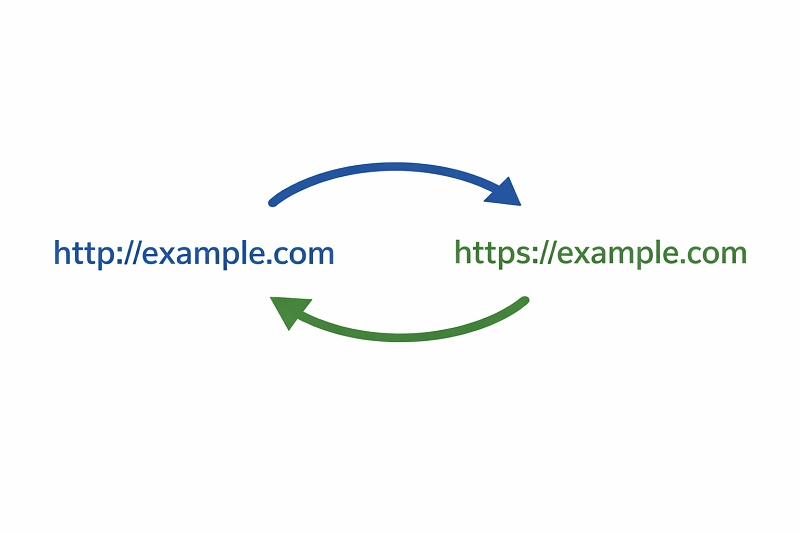
The Too Many Redirects error happens when a website tries to redirect visitors too many times without stopping.
For example:
HTTP redirects to HTTPS
HTTPS redirects back to HTTP
www redirects to non-www When these redirects conflict, the browser blocks the page.
Main Reasons for Too Many Redirects Error
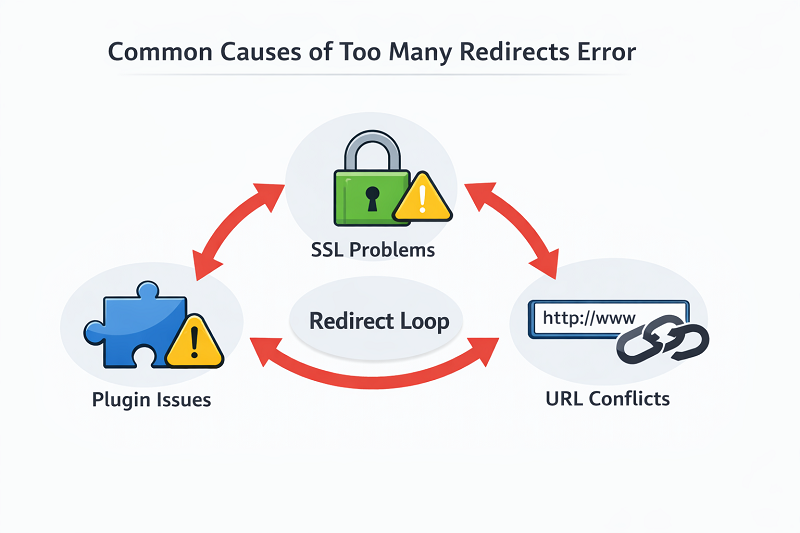
Incorrect WordPress URL Settings
If your Site URL and Home URL do not match, WordPress may redirect endlessly.
Plugin Conflicts
Cache, security, or redirection plugins can fight with each other.
SSL / HTTPS Misconfiguration
Wrong SSL setup is one of the top reasons for redirect loops.
How to Fix SSL Certificate Error
How to Fix Too Many Redirects Error (Step-by-Step)
Clear Browser Cookies and Cache
Sometimes the problem is saved in your browser.
Steps:
Open browser settings
Clear cookies and cache
Restart browser
Reload website
Fix WordPress Site URLs
Go to:
Dashboard → Settings → General
Make sure:
WordPress Address (URL)
Site Address (URL)
Both should be exactly the same (HTTPS or HTTP).
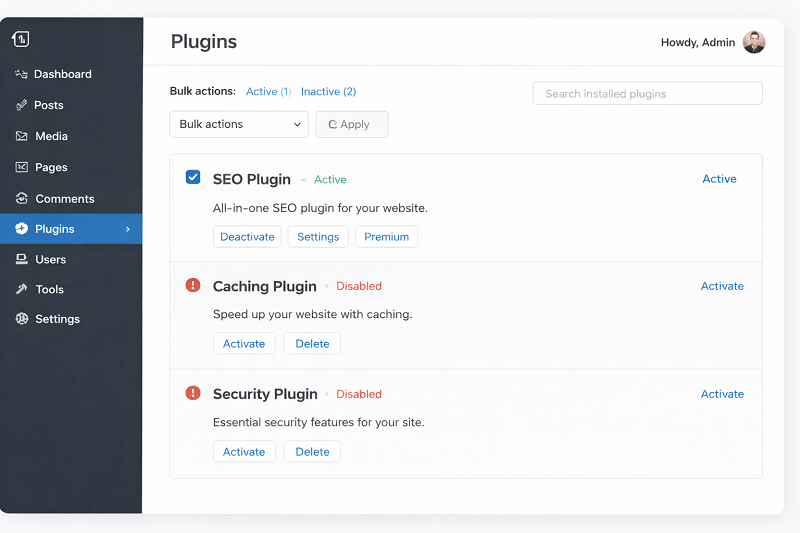
Disable Plugins Temporarily
Go to Plugins
Disable all plugins
Check website
Enable plugins one by one
How to Fix Critical Error on WordPress
Check Cloudflare or Hosting Redirect Rules
If you are using Cloudflare or hosting-level redirects, they can conflict with WordPress or plugin redirects and cause a redirect loop.
Login to your Cloudflare dashboard or hosting control panel.
Temporarily disable Page Rules, Redirect Rules, or Force HTTPS options.
Clear cache and reload your website to check if the error is fixed.
Check HTTPS Redirects
If SSL is installed:
Enable HTTPS only once
Do not force HTTPS from both hosting and plugin
SSL testing tool
https://www.ssllabs.com/ssltest
Reset .htaccess File
Open File Manager / FTP
Rename .htaccess to .htaccess-old
Go to Settings → Permalinks
Click Save
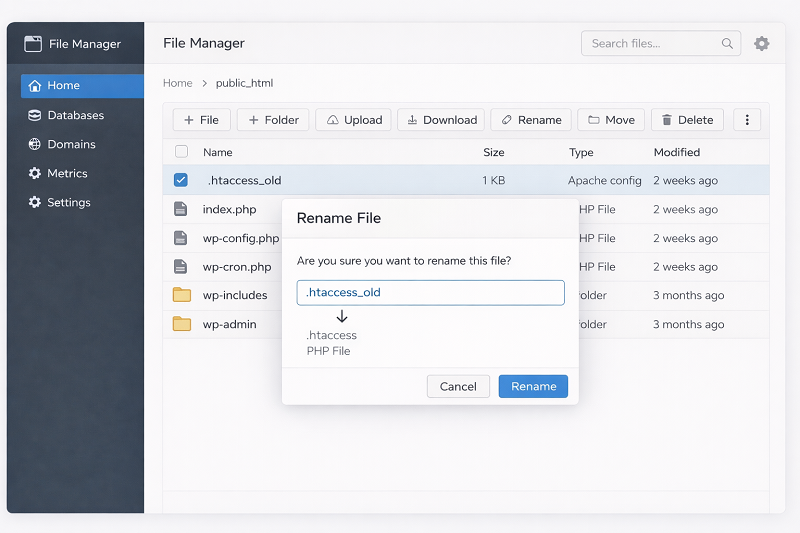
Reset .htaccess file to fix redirects
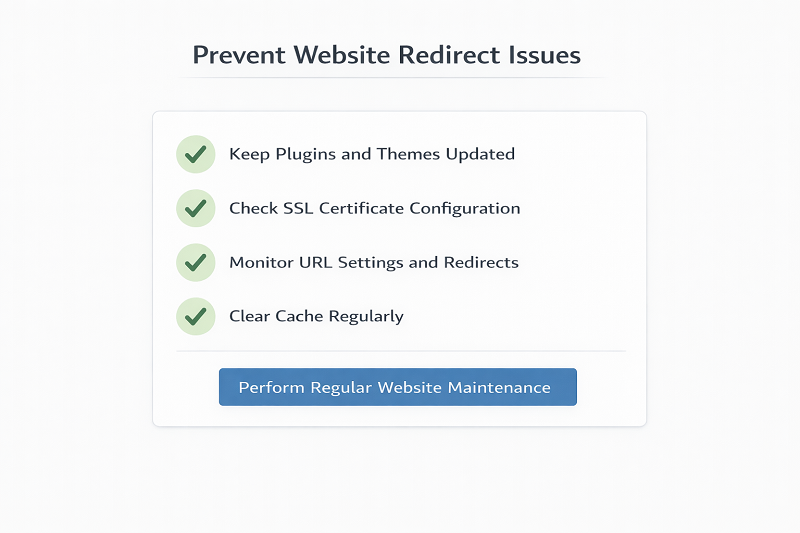
How to Prevent Redirect Errors in the Future
Use only one redirect plugin
Avoid duplicate HTTPS rules
Test site after every change
Keep WordPress updated
How to Fix Mixed Content Error
Official Tools Option
Some users prefer to buy directly from the official website.
You can check the official source here:
[Official Link / Affiliate Link – optional]
You’re free to choose the official option above, or contact us if you want the same tool set up for you at a lower cost.
Need Any Tool or Service at a Low Price?
If you need any AI tool, SEO tool, WordPress plugin, or theme at a low price, just message us on WhatsApp.
Tell us what you need, and we’ll confirm availability and the best affordable price.
Contact us on WhatsApp Need help or want a tool at a low price?
Our Tools Services
WordPress Services: https://problemfixer.net/wordpress-services/
AI Tools Services: https://problemfixer.net/ai-tools-services/
SEO Tools Services: https://problemfixer.net/seo-tools-services/
Conclusion
The Too Many Redirects error looks scary, but it is usually caused by small mistakes.
By fixing URL settings, plugins, SSL, and .htaccess, you can solve this problem safely.
Take one step at a time and your website will work normally again.
FAQs
What causes too many redirects error?
Wrong URL settings, SSL issues, and plugin conflicts.
Is this error bad for SEO?
Yes. Google may stop indexing affected pages.
Can beginners fix this error?
Yes. This guide is beginner-friendly.
Should I contact hosting support?
Only if the problem is server-level.