Fix Core Web Vitals Issues in Google Search Console can hurt your rankings and user experience. This guide will help you improve LCP, CLS, and INP step by step.
If Google Search Console is showing Core Web Vitals issues, it means your website experience is not meeting Google’s performance standards.
Core Web Vitals affect rankings, user experience, and traffic, especially on mobile devices.
In this guide, you will learn what Core Web Vitals are, why issues happen, and step-by-step ways to fix them safely. This guide will help you fix Core Web Vitals issues step by step.
What Are Core Web Vitals?
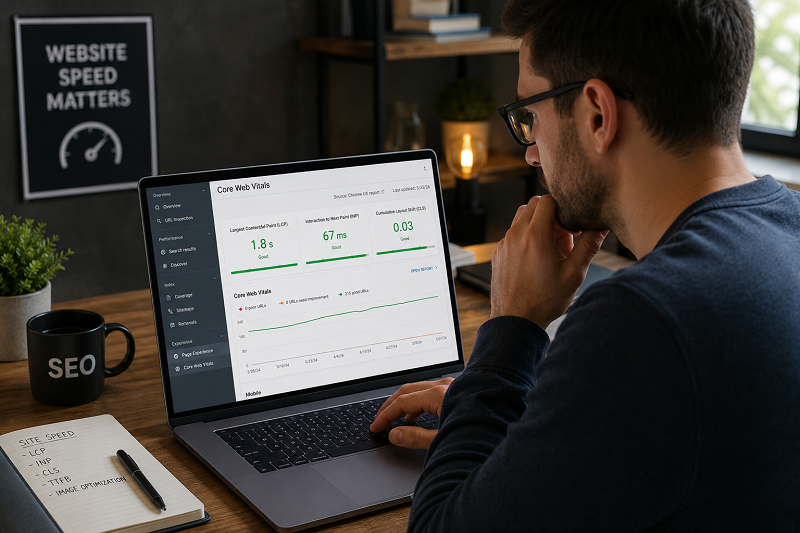
Core Web Vitals are three performance metrics used by Google:
- LCP (Largest Contentful Paint) – Loading speed
- INP (Interaction to Next Paint) – Interactivity
- CLS (Cumulative Layout Shift) – Visual stability
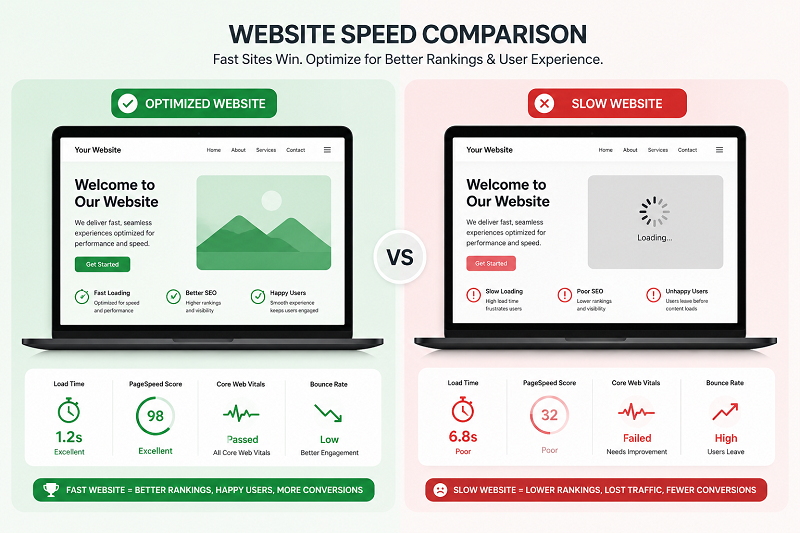
If these metrics are poor, Google may reduce your rankings.
Why Core Web Vitals Issues Appear
Slow Server Response
Bad hosting or a lack of caching can slow page load times.
👉 If your site loads slowly, read this guide:
Heavy Images and Media
Large images without optimization increase LCP time.
Poor Theme or Plugins
Heavy themes and too many plugins can cause CLS and INP issues.
👉 Learn how to fix WordPress critical errors:
Step-by-Step Solutions to Fix Core Web Vitals
Step 1 – Optimize Images
- Compress images
- Use the correct image size
- Avoid uploading large images directly
Step 2 – Use Caching and CDN
Enable caching to reduce load time
👉 https://developers.google.com/search/docs/appearance/page-experience
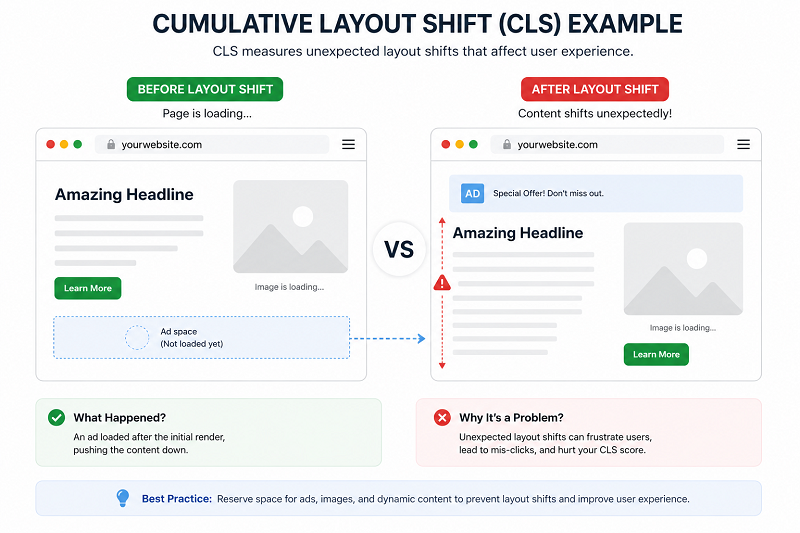
Step 3 – Reduce Layout Shifts (CLS)
- Set image width & height
- Avoid ads loading above the content
👉 Learn how to fix crawled currently not indexed:
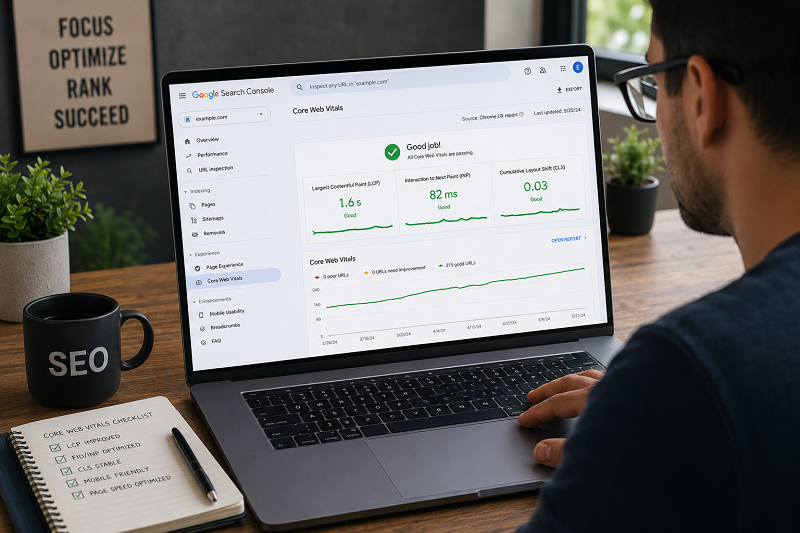
How to Check Core Web Vitals in Google Search Console
Steps:
- Open Google Search Console
- Go to Core Web Vitals
- Select Mobile or Desktop
- Fix “Poor” URLs first
- Click Validate Fix
👉 https://support.google.com/webmasters/answer/9205520
How Long Does Google Take to Update?
Usually:
- 7–14 days for re-evaluation
- 2–4 weeks for full improvement report
Do not change settings daily — let Google process the fixes.
Common Mistakes That Cause Core Web Vitals Problems
Core Web Vitals problems. Many websites also forget image compression, caching, and proper layout spacing, which can increase CLS, LCP, and INP issues. Regular speed testing and optimization can help improve website performance, user experience, and Google rankings.
Phir niche short points add kr do:
- Large unoptimized images
- Too many WordPress plugins
- Slow website hosting
- Heavy CSS and JavaScript files
- No caching enabled
- Ads causing layout shifts
- Unused scripts are loading in the background
These small improvements can make your website faster, smoother, and better for both users and Google Search rankings.
Need Professional Website Speed Help?
If your Core Web Vitals issues are not improving, professional optimization can help improve speed, rankings, and user experience faster.
👉 Get Professional SEO Help:
SEO Services: https://problemfixer.net/seo-tools-services/
WordPress Services: https://problemfixer.net/wordpress-services/
AI Tools Services: https://problemfixer.net/ai-tools-services/
Conclusion
Core Web Vitals issues are serious but fixable.
By improving load speed, reducing layout shifts, and properly optimizing your site, you can improve rankings and the user experience.
Follow the steps above and monitor results patiently. If your Core Web Vitals issues are still not fixed, continue optimizing speed, images, and layout stability patiently over time.
❓ FAQs
Do Core Web Vitals affect rankings?
Yes, they are a Google ranking factor.
Mobile or desktop more important?
Mobile is more important.
Can plugins fix Core Web Vitals?
They help, but configuration matters.
How often should I check Core Web Vitals?
Once every 1–2 weeks.
Which Core Web Vitals metric is most important?
All metrics matter, but LCP is usually the biggest issue for slow websites.