Introduction – Fix Website Not Opening On Mobile
When a website does not open on mobile, it creates a bad experience for users.
Most people browse the internet on mobile phones, so this problem can reduce both traffic and user trust.
This issue can happen because of:
Mobile design problems
Cache issues
Server or hosting errors
CSS or JavaScript conflicts
The good news is that this problem is fixable with simple steps.
In this guide, you will learn easy and safe methods to fix mobile website loading issues.
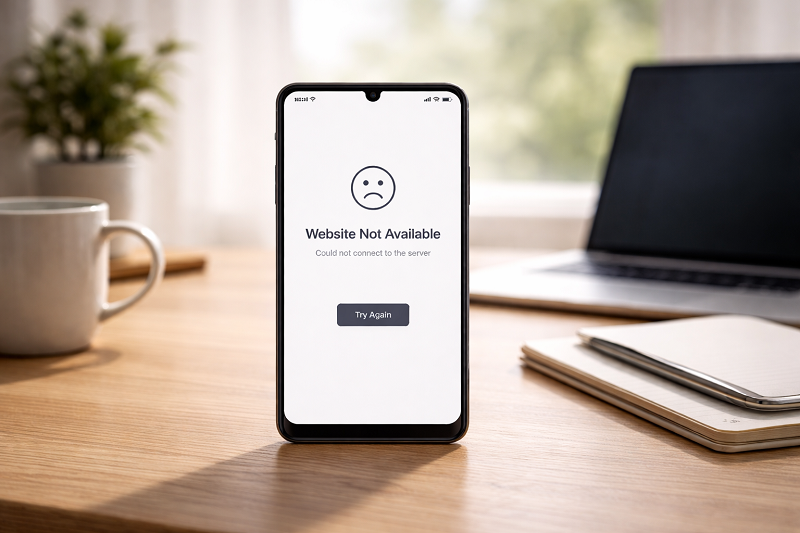
Why Is Your Website Not Opening on Mobile?
Mobile Responsiveness Issue
If your site is not mobile-friendly, it may not load properly.
Heavy Images or Scripts
Large images slow down mobile loading.
Cache or CDN Problems
Old cache can block mobile versions.
Theme or Plugin Conflict
Some plugins are not mobile-compatible.
How to Fix Website Slow Loading
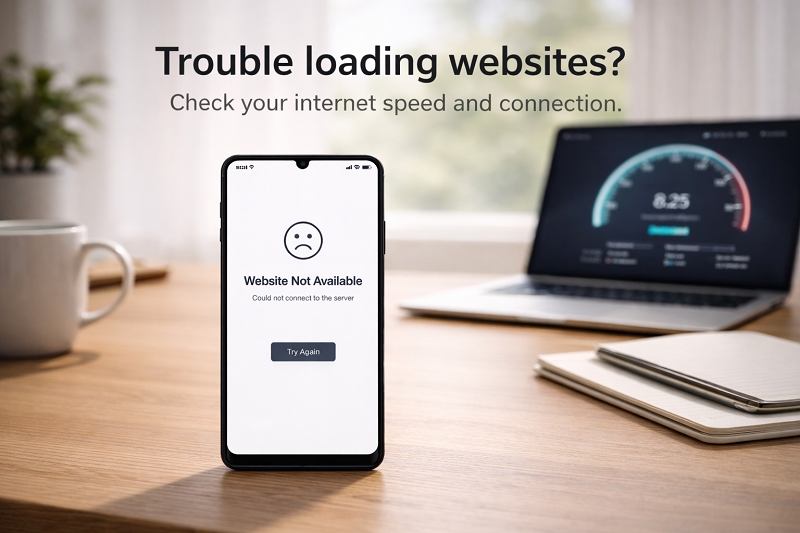
Server Downtime or Hosting Issue
Sometimes the server may be temporarily down or overloaded, which prevents the website from opening on mobile devices. Checking your hosting status can quickly confirm this.
Incorrect DNS Settings
Wrong DNS configuration can sometimes prevent websites from loading on mobile devices. Switching to a reliable public DNS often resolves the issue quickly.
How to Fix Website Not Opening on Mobile (Step by Step)
Quick Fix (Try This First)
If your website is not opening on mobile, start with these quick checks:
- Test the website on another phone
- Switch between WiFi and mobile data
- Clear browser cache
- Restart your phone
Test Mobile Responsiveness
Use browser inspect tool or mobile testing.
Google Mobile-Friendly Test
https://search.google.com/test/mobile-friendly
If your site fails the test, you need to fix layout issues.
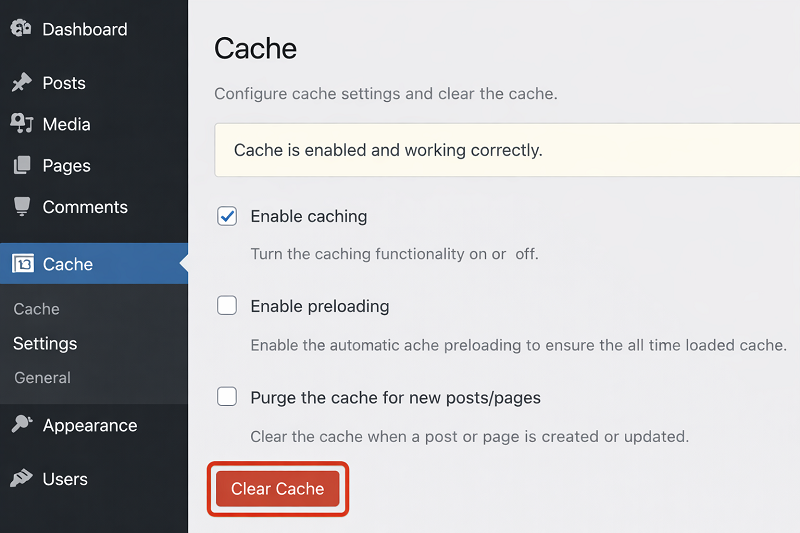
Clear Website Cache
Clear cache from caching plugin
Clear hosting server cache
Refresh website on mobile
How to Fix WordPress Stuck in Maintenance Mode
https://problemfixer.net/blog/fix-wordpress-maintenance-mode
Optimize Images for Mobile
Large images cause mobile loading issues.
Fix by:
Compressing images
Using WebP format
Lazy loading images
Image Optimization Guide
https://web.dev/fast/#optimize-your-images
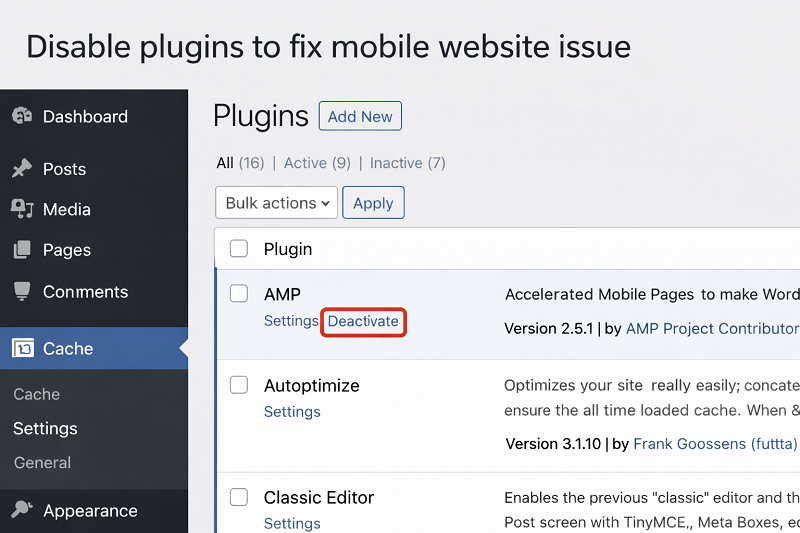
Disable Problematic Plugins
Disable plugins one by one
Test website on mobile.
Find the conflicting plugin.
How to Fix WordPress Media Upload Error
Switch to a Mobile-Friendly Theme
If theme is outdated, mobile view breaks.
Use:
Responsive themes
Lightweight layouts
Regular updates
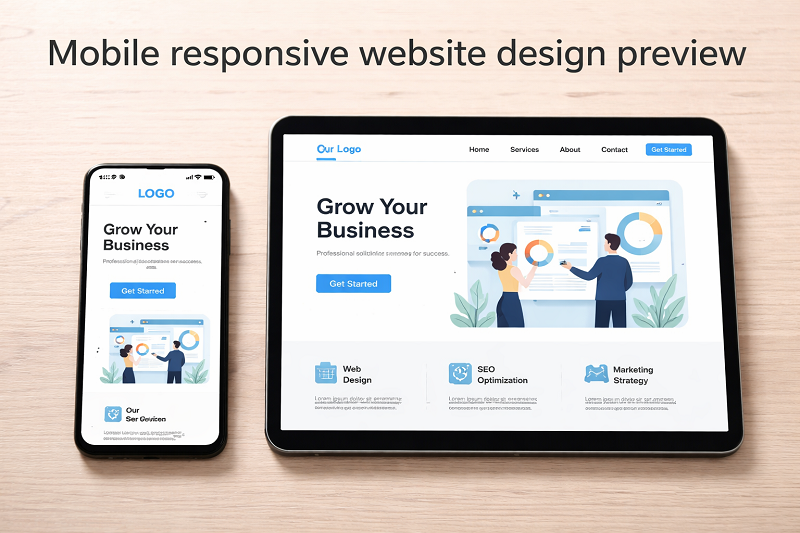
Fix Website Not Opening on Mobile Browser
Clear Mobile Browser Cache
Clear Chrome or Safari cache on phone.
Try Another Network
Switch from WiFi to mobile data.
How This Issue Affects SEO
Mobile-first indexing
Lower rankings
High bounce rate
How to Fix Core Web Vitals Issues
https://problemfixer.net/blog/fix-core-web-vitals-issues
How to Prevent Mobile Website Issues
Use responsive design
Optimize images regularly
Test site on mobile weekly
Keep plugins updated
When to Contact Hosting Support
If your website still does not open on mobile after trying these fixes, contact your hosting provider to check for server or configuration issues.
Need Any Tool or Service at a Low Price?
If you need any AI tool, SEO tool, WordPress plugin, or theme at a low price, just message us on WhatsApp.
Tell us what you need, and we’ll confirm availability and the best affordable price.
Contact us on WhatsApp Need help or want a tool at a low price?
Our Affordable Tools Services
WordPress Services: https://problemfixer.net/wordpress-services/
AI Tools Services: https://problemfixer.net/ai-tools-services/
SEO Tools Services: https://problemfixer.net/seo-tools-services/
Conclusion
A website not opening on mobile can hurt traffic and trust.
By fixing responsiveness, cache, plugins, and images, you can restore mobile access easily.
Always test your website on mobile after updates.
FAQs
Why does my website open on desktop but not mobile?
Because of responsive design or mobile CSS issues.
Does mobile issue affect Google ranking?
Yes, Google uses mobile-first indexing.
How often should I test mobile view?
After every update or content change.
Is mobile optimization necessary?
Yes, most users browse using phones.