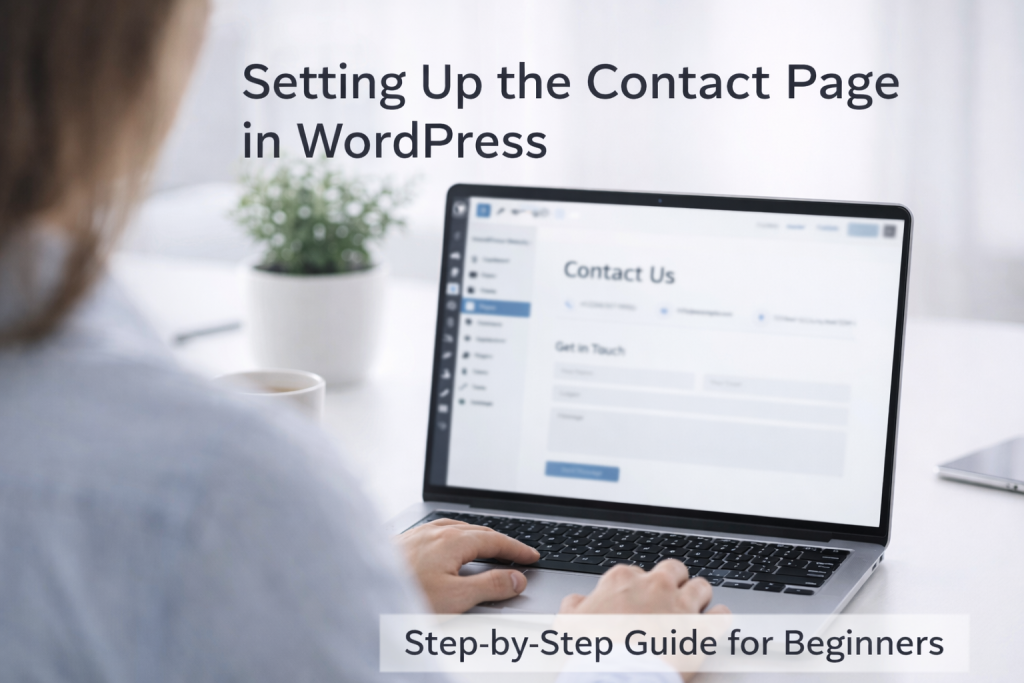

Introduction – Create a Contact Page in WordPress
Every website needs a contact page.
A contact page helps visitors reach you easily.
It also builds trust with users and Google.
In this guide, you will learn how to create a contact page in WordPress step by step using simple words.
If your website does not have a contact page, people may leave without contacting you.
In this guide, you will learn the easiest way to build a simple contact page in WordPress, step by step.
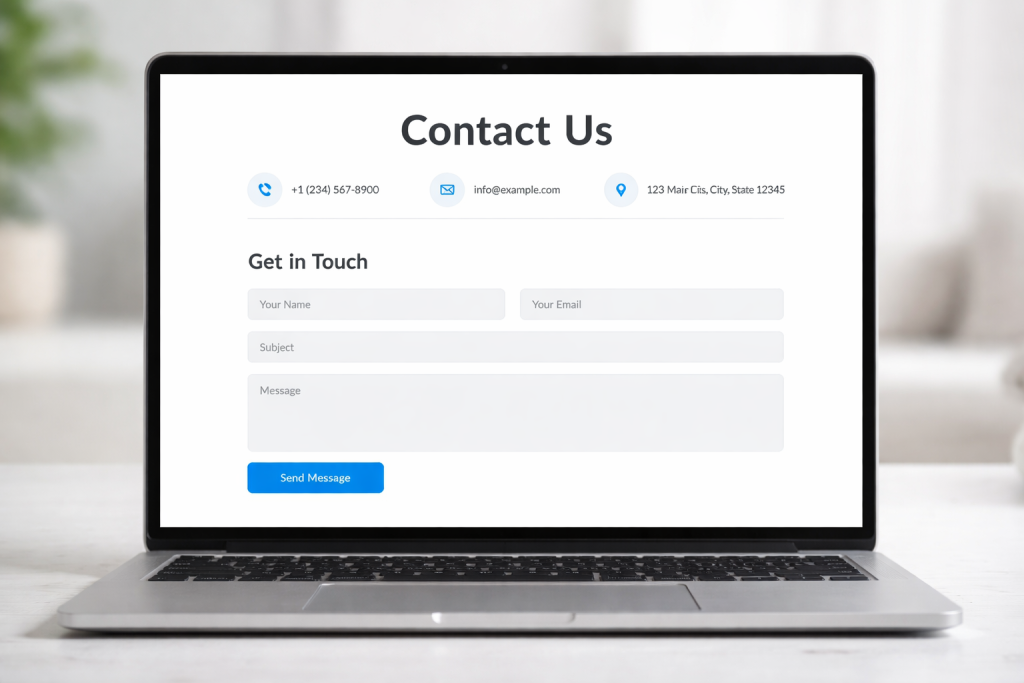
Why a Contact Page Is Important
A contact page is important because:
- Visitors can ask questions
- Clients can contact you
- Google trusts your website more
- Website looks professional
Every business and blog website should have one contact page.
What Should a Good Contact Page Include
A good contact page should have:
- Contact form
- Email address
- Phone number (optional)
- Contact message
- Simple design
Do not overload the page with too much information.
Method 1: Create Contact Page Using WordPress Block Editor (Gutenberg)
This method is simple and good for beginners.
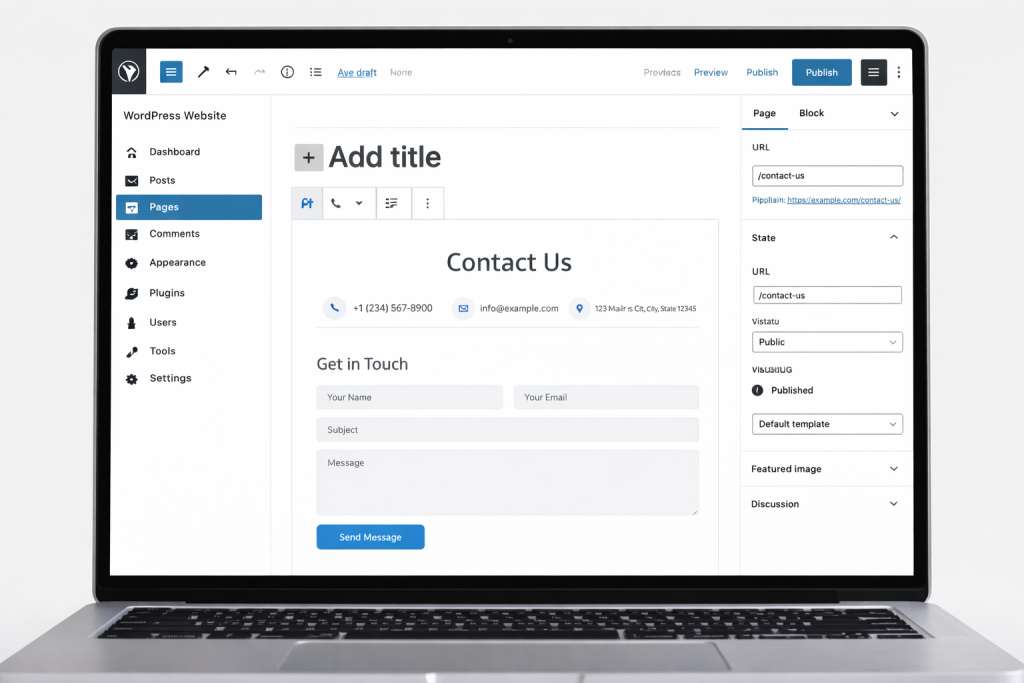
Step 1: Create a New Page
• Go to WordPress dashboard
• Pages → Add New
• Page title: Contact Us
Step 2: Add a Short Introduction
Write 2–3 simple lines like:
“Feel free to contact us. We reply as soon as possible.”
Step 3: Add Contact Form
Use a contact form plugin to add a form.
Step 4: Publish the Page
Click Publish.
Method 2: Create Contact Page Using Contact Form Plugin
Contact form plugins make the process easy.
Popular plugins:
- Contact Form 7
- WPForms
- Fluent Forms
You can choose any one.
Step 1: Install Contact Form Plugin
• Plugins → Add New
• Search plugin
• Install and activate
Step 2: Create a Contact Form
• Open plugin settings
• Create a new form
• Add fields: Name, Email, Message
Step 3: Copy Shortcode
Copy the form shortcode.
Step 4: Paste Shortcode on Contact Page
• Open Contact page
• Paste shortcode
• Publish
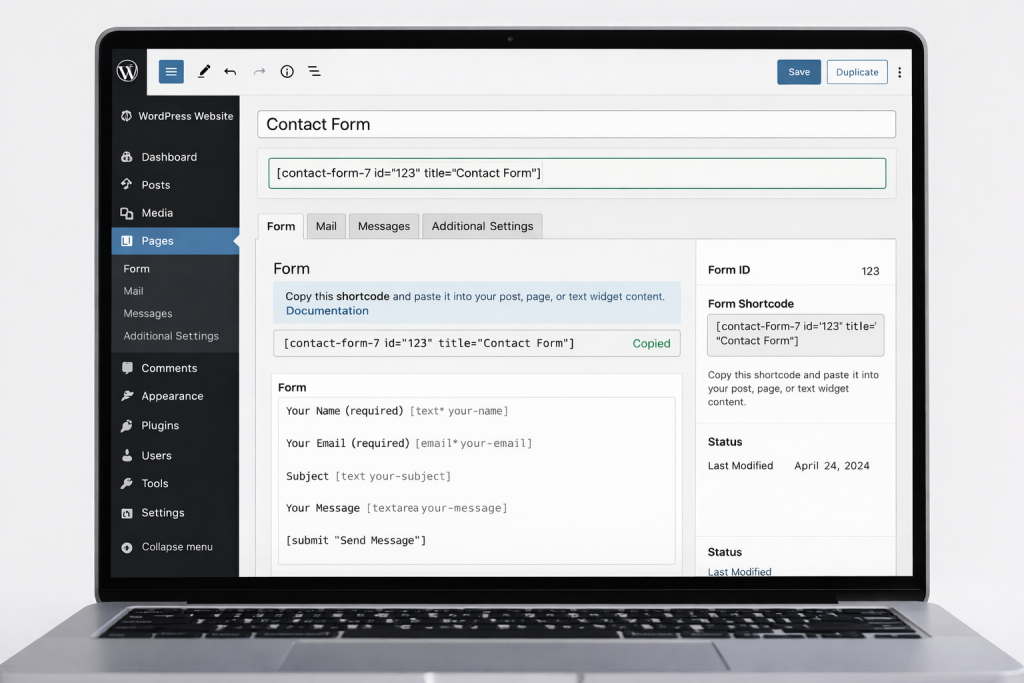
Image Prompt:
What to Write on Contact Page (Example Content)
You can write simple content like:
“Have a question or need help?
Please use the form below to contact us.
We usually reply within 24 hours.” Keep wording simple and friendly.
Where to Add Contact Page Link
Your contact page link should be added to:
- Header menu
- Footer menu
This makes it easy for users to find it.
Common Mistakes to Avoid
- Too many form fields
- No email confirmation
- Broken contact form
- Hiding contact page
Always test the form after publishing.
Does Contact Page Help SEO?
Yes, indirectly.
A contact page:
- Improves trust
- Helps Google understand your website
- Supports E-E-A-T signals
https://developers.google.com/search/docs
Helpful Contact Form Tools
Contact form plugins make it easy to collect messages and manage user inquiries.
These tools help reduce spam and improve communication.
As your website grows, you can explore advanced contact form tools for better features.
Prefer an official option?
Some users prefer to buy directly from the official website.
You can check the official source here:
[Official Link / Affiliate Link – optional]
You’re free to choose the official option above, or contact us if you want the same tool set up for you at a lower cost.
Need Any Tool or Service?
If you need any AI tool, SEO tool, WordPress plugin, or theme at a low price, just message us on WhatsApp.
Tell us what you need, and we’ll confirm availability and the best affordable price.
Contact us on WhatsApp Need help or want a tool at a low price?
Our Services
WordPress Services: https://problemfixer.net/wordpress-services/
AI Tools Services: https://problemfixer.net/ai-tools-services/
SEO Tools Services: https://problemfixer.net/seo-tools-services/
Conclusion
A contact page is a must-have for every WordPress website.
It helps users contact you and builds trust.
Creating a contact page is easy using WordPress and plugins.
Always keep your contact page simple and working.
FAQ
Q1: Do I need a contact page on every website?
A: Yes, every website should have a contact page to build trust and allow visitors to reach you easily.
Q2: Which contact form plugin is best for beginners?
A: Simple plugins like Contact Form 7 or WPForms are easy for beginners to use.
Q3: Can I create a contact page without a plugin?
A: Yes, you can create a basic contact page using the WordPress block editor, but plugins make it easier.