A sitemap error in Google Search Console means Google is unable to read or process your sitemap correctly. When this happens, your pages may not get indexed properly, even if your content is good.
This issue is very common for:
- New websites
- WordPress sites
- Recently updated websites
In this guide, you will learn easy and safe steps to fix sitemap errors and help Google index your pages faster. This guide will help you fix sitemap error in google search console step by step.
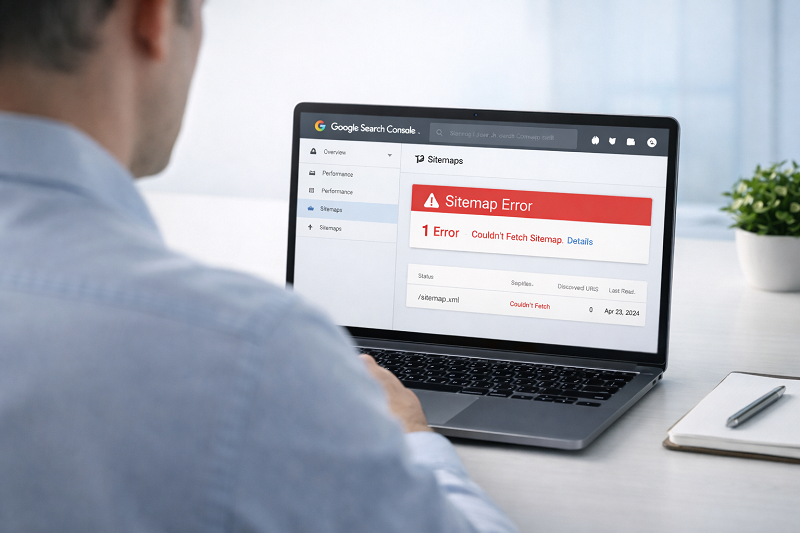
What Is a Sitemap Error?
A sitemap error means:
- Google tried to access your sitemap
- Something went wrong
- Google could not read it properly
Because of this, Google may:
- Skip pages
- Delay indexing
- Ignore new content
👉 Learn how to fix crawled currently not indexed:
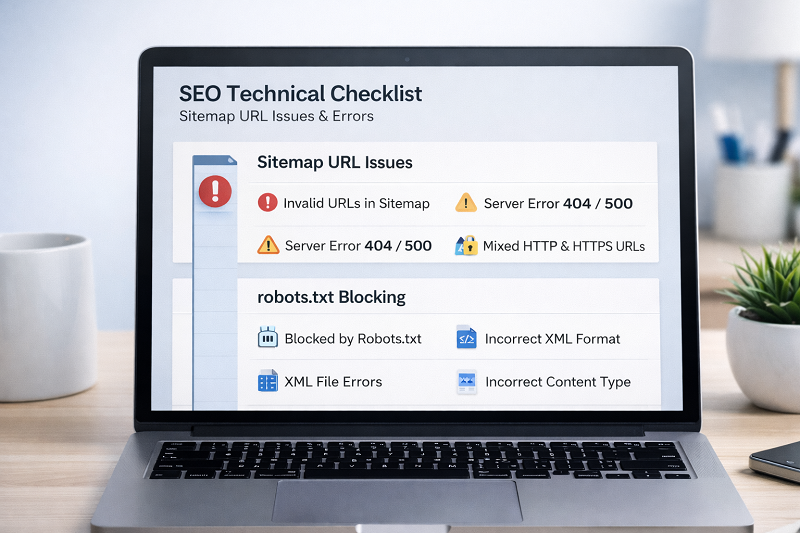
Common Reasons for Sitemap Errors
Incorrect Sitemap URL
Your sitemap URL may be wrong or outdated.
Sitemap Blocked by Robots.txt
If robots.txt blocks the sitemap, Google can’t read it.
Invalid XML Format
Broken XML structure causes sitemap errors.
👉 Learn how to fix page not indexed in google:
Step-by-Step Fix for Sitemap Error
Step 1 – Check Sitemap URL
Tip: Always use /sitemap.xml format for best compatibility with Google.
Your sitemap should look like this:
https://yourwebsite.com/sitemap.xml
Open it in browser and confirm it loads.
Step 2 – Regenerate Sitemap
If you use WordPress:
- Open SEO plugin
- Disable sitemap
- Enable sitemap again
👉 Fix WordPress upload errors step by step:
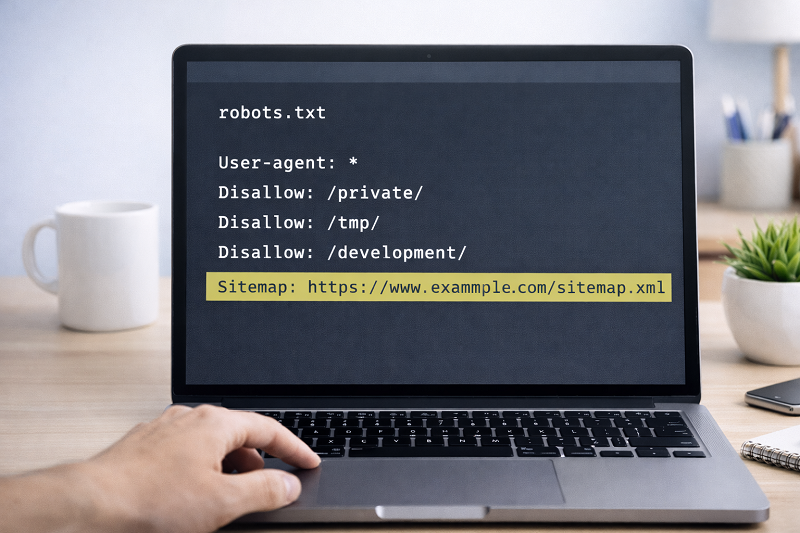
Step 3 – Check Robots.txt
Make sure robots.txt does NOT block sitemap.
https://support.google.com/webmasters/answer/6062596
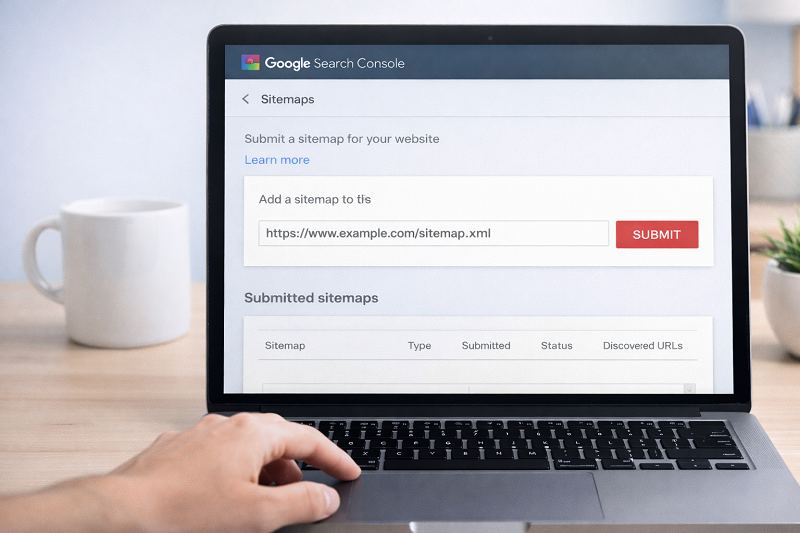
Step 4 – Resubmit Sitemap in Search Console
Go to:
- Search Console → Sitemaps
- Remove old sitemap
- Add new sitemap
https://developers.google.com/search/docs/crawling-indexing/sitemaps/overview
How Long to Fix Sitemap Error in Google Search Console?
Usually:
- Sitemap validation: few hours
- Page indexing: 3–14 days
Do not submit sitemap again and again.
Professional SEO Help
Need Help Fixing Sitemap & Indexing Errors?
If sitemap errors keep coming back, expert help can save time and protect rankings.
👉 Get professional SEO & WordPress help here:
👉 Get professional Ai & SEO help:
SEO Services: https://problemfixer.net/seo-tools-services/
AI Tools Services: https://problemfixer.net/ai-tools-services/

Conclusion
A sitemap error is not dangerous, but ignoring it can slow down your website growth. Fixing sitemap issues helps Google understand your site better and index pages faster. Follow the steps above and your sitemap will work properly again.
If your sitemap error in google search console is still not fixed, review each step again and make sure your sitemap is clean and accessible.
FAQs
Is sitemap required for Google?
Yes, it helps Google discover pages faster.
Can sitemap errors affect ranking?
Indirectly yes, because pages may not get indexed.
How many sitemaps can I submit?
You can submit multiple sitemaps if needed.
Should I resubmit sitemap daily?
No. Submit only after changes.
Why is my sitemap not detected in Google Search Console?
It can happen if your sitemap URL is incorrect or blocked by robots.txt.